
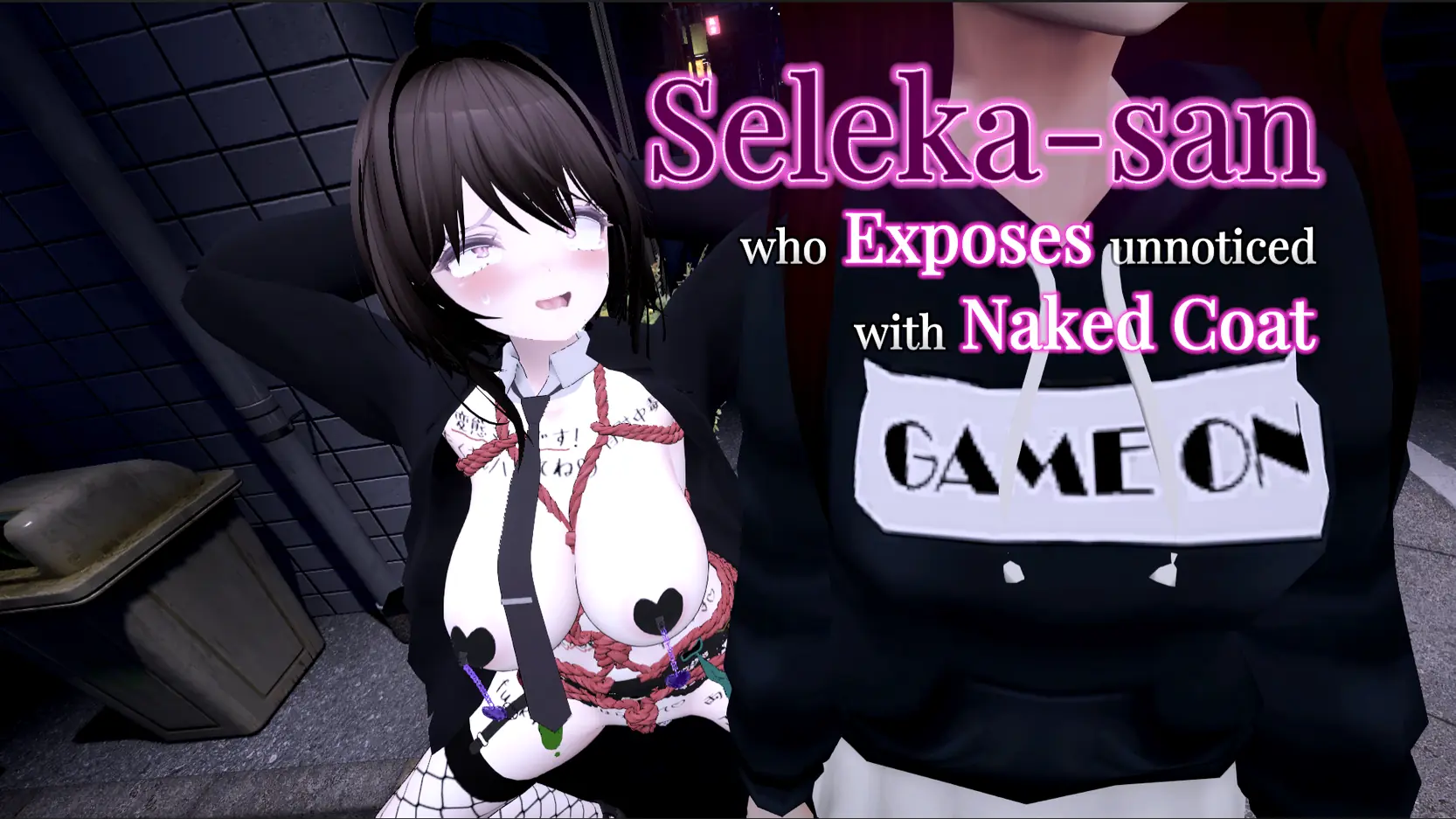
Finished
v1.3
Secret Flasher Sereka
Developer
SheableSoft
Engine
Unity
Version
1.3 (Finished)
Released: Aug 10, 2023
Updated: Nov 15, 2024
Censorship
Censored
More by SheableSoft

3D Game
Ahegao
BDSM
Big Tits
Censored
Character Creation
Exhibitionism
Female Protagonist
Futa/Trans Protagonist
Japanese Game
Masturbation
RPG
Sex Toys
Simulator
About Secret Flasher Sereka
Experience the greatest dilemma known to humans: wanting to experience the thrill of exposing yourself in extreme ways, but the more extreme it is,
the more likely you are to be caught. Seleka starts out as an amateur exhibitionist, but will hopefully become a legendary flasher who has been seen by all.
Formally known as “Seleka Exposes Herself in a Naked Coat and Hopefully Doesn’t Get Caught”
Downloads
Confused about how the downloading works? Here is a handy guide
Copyright and Terms: Lewdzone is a crawling site. We post games like Secret Flasher Sereka from trusted sources like Patreon official release, creator's official site and F95. We only share links of files provided by those sources. We do not include/exclude anything to/from the packages. We do not host those files and those files are hosted in public file sharing servers and by the ToS of those servers, it is legal to share any public files.
- Extract and run.
Walkthrough & Guide
Uncensor Plugin: FILEKNOT - ANONZIP
Uncensor Plugin Installation:
You must install the BepInEx Bleeding Edge first. current latest ver is #674
Uncensor Plugin Features:
Uncensor Plugin Installation:
You must install the BepInEx Bleeding Edge first. current latest ver is #674
- Install BepInEx BE. (extract it to game folder)
- Run game once. the BepInEx\unity-libs folder will be created.
- put plugin file(barenai_helper.dll) to BepinEx\plugins folder.
Uncensor Plugin Features:
- Uncensored
- F1 : Muteki(invincibility) toggle. (different from game built-in)
Minimum
OS: Windows 10+
CPU: Quad Core 2.5 GHz
RAM: 8 GB
GPU: GTX 960 / RX 280 (2 GB)
DirectX: 11
Storage: 1.40 GB
Recommended
OS: Windows 10+
CPU: Quad Core 3.0 GHz
RAM: 16 GB
GPU: GTX 1060 / RX 580 (4 GB)
Storage: 1.40 GB
to do the uncensor plugin. 1) first download the game.
2) then download the latest bepinEx download
(BepInEx Unity (IL2CPP) for Windows (x64) games) and place and unzip it in the folder where the game is located. run the game once.
3)close the game. download the uncencor plugin above.
4)place the plugin in /game/BepInEx/plugin
5)unzip the plugin.
6) have fun
Use bepinex bleeding edge edition that supports Il2Cpp Unity (v6) instead v5 to use this plugin. See Installing BepInEx on Il2Cpp Unity | BepInEx Docs
How to use the Uncensor Plugin .dll file?
Install BepInEx BE.
Run game once.
put plugin file(barenai_helper.dll) to BepinEx\plugins folder.
doesnt work. can you tell with more detail
I think i got it now
Really? how?
Yes please explain more
The Game wont open. Freez on loading screen in start.
The game wont load its stuck on the loading screen
Your download file might be broken try downloading again.
How to the uncensored patch
Install BepInEx BE. (extract it to game folder)
Run game once. the BepInEx\unity-libs folder will be created.
put plugin file(barenai_helper.dll) to BepinEx\plugins folder.
Its still not working, Ive seen other people saying similar things. Maybe it doesnt work on some pcs?
i do not see “plugin” folder in BeplinEX help
You must install the BepInEx Bleeding Edge first.
Current latest ver is #674
Could you upload the latest update, which is v1.3 of this game, it would be a great contribution. I like this page.
Done.
where to find the uncensor plugin
Take a look at the Walkthrough & Guide Section.