
Ongoing
v1.4.1
The Fairy Tale of Holy Knight Ricca: Two Winged Sisters
Developer
Mogurasoft
Engine
Unity
Version
1.4.1 (Ongoing)
Released: Jan 10, 2026
Updated: Feb 17, 2026
Censorship
Uncensored
3D Game
3DCG
Adventure
Anal Sex
Animated
BDSM
Bestiality
Big Ass
Big Tits
Bukkake
Censored
Combat
Corruption
Creampie
Fantasy
Female Domination
Female Protagonist
Groping
Group Sex
Handjob
Humiliation
Incest
Japanese Game
Lactation
Lesbian
Loli
Male Domination
Masturbation
Monster
Monster Girl
Multiple penetration
Necrophilia
Oral Sex
Platformer
Pregnancy
Rape
Sex Toys
Side-Scroller
Slave
Sleep Sex
Spanking
Stripping
Tentacles
Titfuck
Transformation
Urination
Vaginal Sex
Virgin
Voiced
Vore
About The Fairy Tale of Holy Knight Ricca: Two Winged Sisters
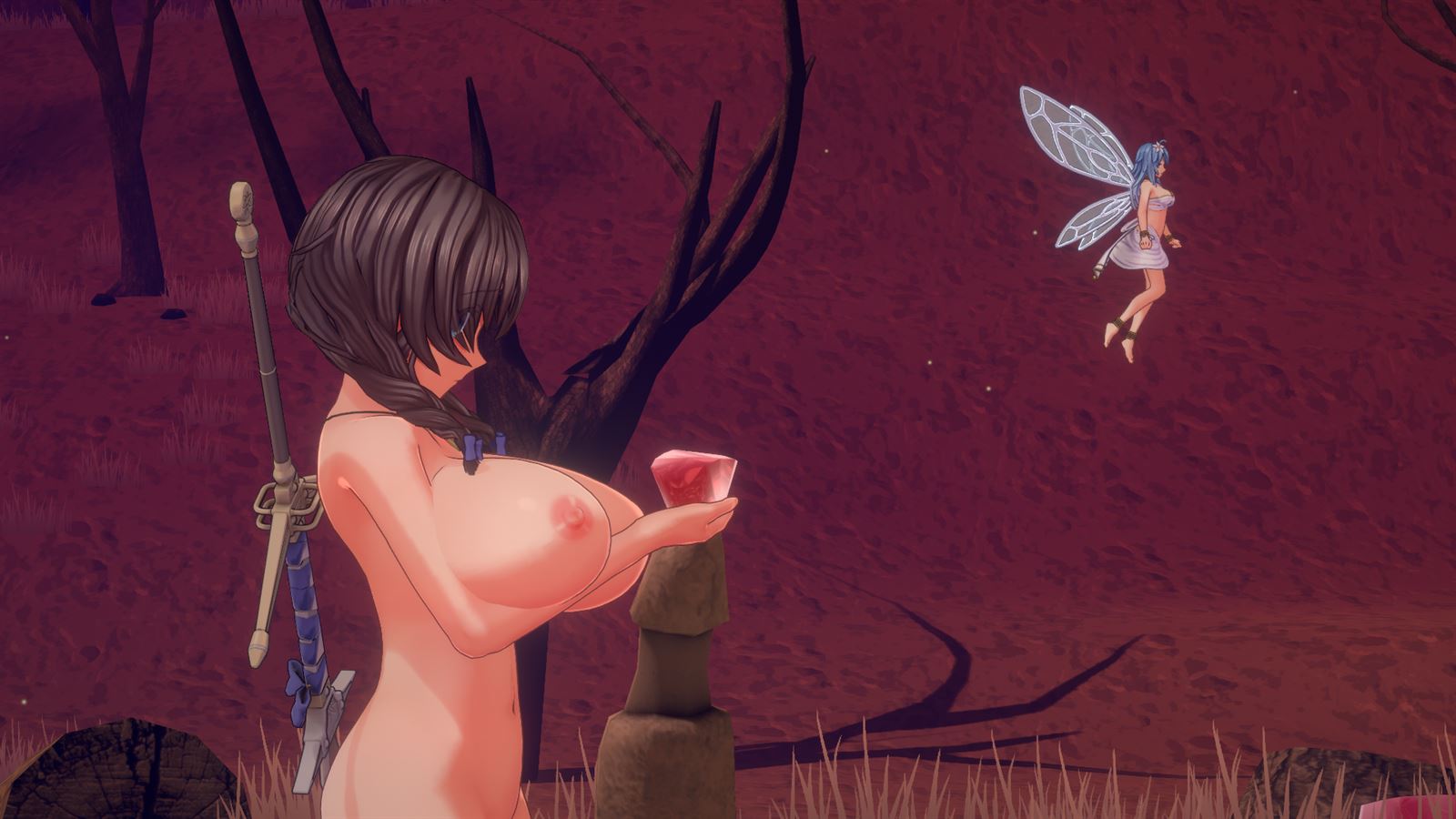
In this 3D side-scrolling action game, you play as Ricca, who can transform into a holy knight with the powers granted to her by God. When Ricca is captured or defeated by particular enemies, she will face a variety of kinky sexual encounters.
Downloads
Confused about how the downloading works? Here is a handy guide
Windows
Fileknot Transfaze Fileknot (v1.3.2 Uncensored Full 4K) Transfaze (v1.3.2 Uncensored Full 4K)
Windows
Buzzheavier Datanodes Mixdrop Pixeldrain Buzzheavier (v1.3.2 Uncensored Full 4K) Datanodes (v1.3.2 Uncensored Full 4K) Mixdrop (v1.3.2 Uncensored Full 4K) Pixeldrain (v1.3.2 Uncensored Full 4K) Vikingfile (v1.3.2 Uncensored Full 4K)
Copyright and Terms: Lewdzone is a crawling site. We post games like The Fairy Tale of Holy Knight Ricca: Two Winged Sisters from trusted sources like Patreon official release, creator's official site and F95. We only share links of files provided by those sources. We do not include/exclude anything to/from the packages. We do not host those files and those files are hosted in public file sharing servers and by the ToS of those servers, it is legal to share any public files.
- Extract and run.
Walkthrough & Guide
Uncensor plugin + Re-Textured Package (Game version independent) Modded textures + Texture Replacer + soft uncensor + Cheats plugin (include modded Images too): FILEKNOT - ANONZIP
Uncensor(soft) + Cheats plugin Only: FILEKNOT - ANONZIP
Uncensor for ricca net6: FILEKNOT - ANONZIP
Uncensor Patch Installation:
Step 0.
Remove old plugins (Holy Knight Ricca Demosaic F95Z.zip)
If you installed Holy Knight Ricca Demosaic F95Z.zip(included in Torrent file),
remove "BepInEx", "mono" and "MelonLoader" folder, winhttp.dll and doorstop_config.ini files.
Step 1.
If you have a BepInEx, skip to step 2 or 3. Just installed BepInEx -> step 2.
Download BepInEx for IL2CPP at https://builds.bepinex.dev/projects/bepinex_be
May be you have an x64 version of Ricca.
BepInEx-Unity.IL2CPP-win-x64-6.0.0-be.670+42a6727.zip
Download and extract to game folder(where "HolyKnightRicca.exe" file exists)
Step 2.
Just extract downloaded(uncensor plugin) file to BepInEx\plugins folder.
Step 3.
Enjoy.
Step 4. Game is so slow !!
Remove BepInEx\plugins\ModImages\Ricca's Body\ folder and run.
Step 5. Still slow !!
Remove BepInEx\plugins\ModImages folder
Uncensor Patch Features:
Costume Manager Mod: FILEKNOT - ANONZIP
Costume Manager Mod Requirement:
The program was compiled with Visual Studio 2019. It requires Microsoft's Microsoft Visual C++ Redistributable.
You can download it from that page or with the links below.
Windows 32 bit: FILEKNOT - ANONZIP
Windows 64 bit: FILEKNOT - ANONZIP
Costume Manager Mod Note:
0.) Reminder: You can't use equipment parts that you do not already own.
1.) This may no longer work once the DLC comes out. If it doesn't, tell me.
1.1) The property names and values are read directly from the save file, not hard coded. If the save format doesn't change for the dlc, it will work with the dlc.
2.) If you compare the before and after edit of the costume.sav, you may notice that they look somewhat different. This is because the JSON library I used doesn't keep the original data order and export the keys in alphabetic order. The save is just a JSON string dump. It will work just fine.
3.) If Costumes don't contain new equipment part, Saves should be backward compatible. Of course, they are forward compatible.
4.) Changing some values (part name, asset index, etc.) incorrectly may cause the save to not load. Unless you know what you're doing, I recommend only editing the values you can normally edit with the in-game sliders.
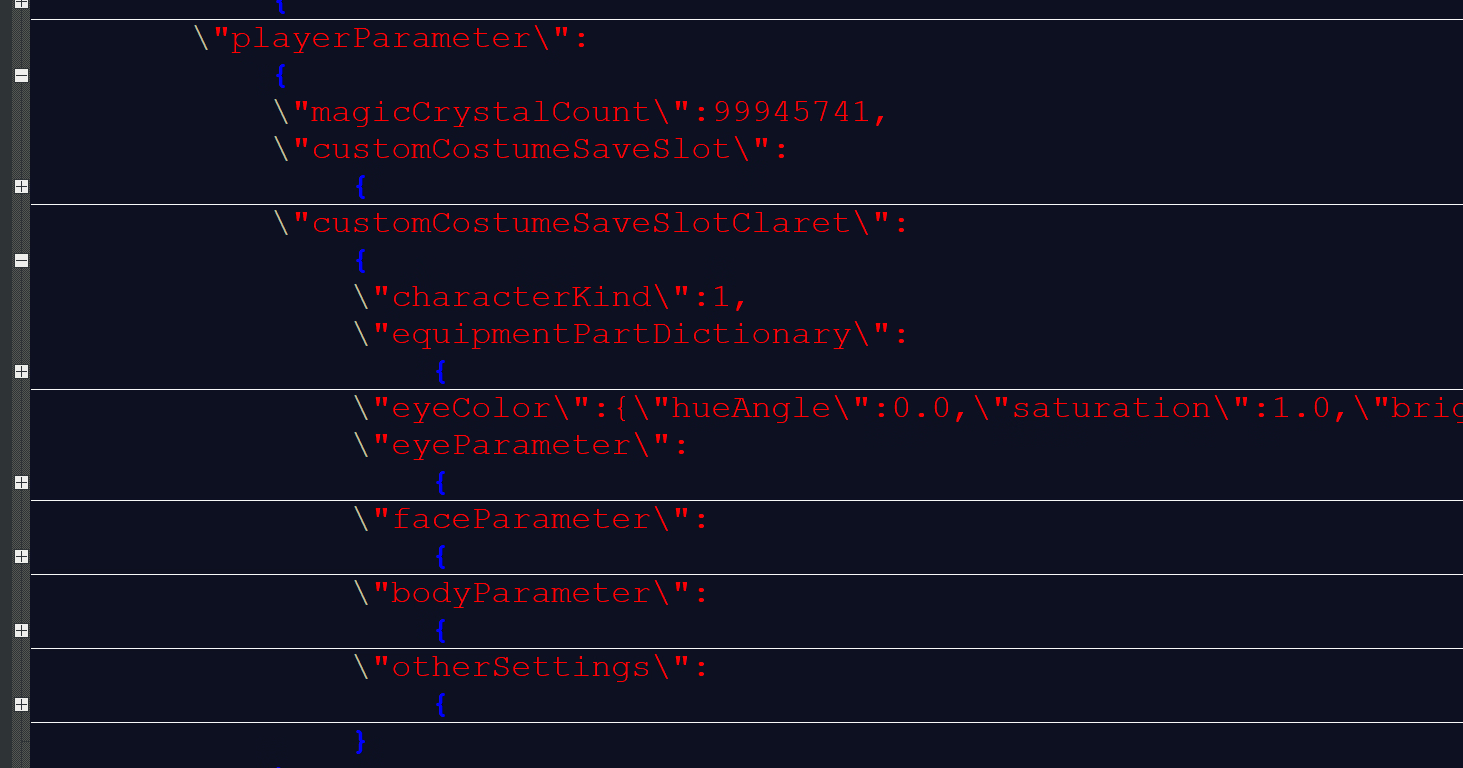
5.) In the game's savefile.sav, there's an entry for "customCostumeSaveSlotClaret" which is the exact same format as the main character's costume property. Seeing as (I'm assuming) you will be able to play as Claret in the dlc, maybe you will be able to customize her costume as well.
5.1) No, Miria does not have her own customCostumeSaveSlot entry.

Costume Manager Mod Tested Compatibility:
Costume Manager Compatibility
- Compatible with Save Version 4
- Compatible with Save Version 5 (Current Latest English) (4 -> 5 Added "characterKind". Known Use: Character (Known value: 0=Ricca, 1=Claret))
- Compatible with Saves from Game Version 1.3.7 (Save Version 6) (5 -> 6 Added "assetIndex" to all equipment parts. Known Use: Set Hair Transparency)
Game <-> Save Compatibility
- Version 1.3.7 Save (Save Version 6) works with 1.3.6 (Save Version 5). The hair transparency will just be ignored.
- WARNING : Newer settings will be lost from all costumes if you overwrite the save with an older version of the game.
Uncensor(soft) + Cheats plugin Only: FILEKNOT - ANONZIP
Uncensor for ricca net6: FILEKNOT - ANONZIP
Uncensor Patch Installation:
Step 0.
Remove old plugins (Holy Knight Ricca Demosaic F95Z.zip)
If you installed Holy Knight Ricca Demosaic F95Z.zip(included in Torrent file),
remove "BepInEx", "mono" and "MelonLoader" folder, winhttp.dll and doorstop_config.ini files.
Step 1.
If you have a BepInEx, skip to step 2 or 3. Just installed BepInEx -> step 2.
Download BepInEx for IL2CPP at https://builds.bepinex.dev/projects/bepinex_be
May be you have an x64 version of Ricca.
BepInEx-Unity.IL2CPP-win-x64-6.0.0-be.670+42a6727.zip
Download and extract to game folder(where "HolyKnightRicca.exe" file exists)
Step 2.
Just extract downloaded(uncensor plugin) file to BepInEx\plugins folder.
Step 3.
Enjoy.
Step 4. Game is so slow !!
Remove BepInEx\plugins\ModImages\Ricca's Body\ folder and run.
Step 5. Still slow !!
Remove BepInEx\plugins\ModImages folder
Uncensor Patch Features:
- Uncensored (soft).
- Re-Textured.
- Cheats.
- F1 : HP/MP toggle.
- F2 : Don't decreased MagicCrystal by shopping.
Costume Manager Mod: FILEKNOT - ANONZIP
Costume Manager Mod Requirement:
The program was compiled with Visual Studio 2019. It requires Microsoft's Microsoft Visual C++ Redistributable.
You can download it from that page or with the links below.
Windows 32 bit: FILEKNOT - ANONZIP
Windows 64 bit: FILEKNOT - ANONZIP
Costume Manager Mod Note:
0.) Reminder: You can't use equipment parts that you do not already own.
1.) This may no longer work once the DLC comes out. If it doesn't, tell me.
1.1) The property names and values are read directly from the save file, not hard coded. If the save format doesn't change for the dlc, it will work with the dlc.
2.) If you compare the before and after edit of the costume.sav, you may notice that they look somewhat different. This is because the JSON library I used doesn't keep the original data order and export the keys in alphabetic order. The save is just a JSON string dump. It will work just fine.
3.) If Costumes don't contain new equipment part, Saves should be backward compatible. Of course, they are forward compatible.
4.) Changing some values (part name, asset index, etc.) incorrectly may cause the save to not load. Unless you know what you're doing, I recommend only editing the values you can normally edit with the in-game sliders.
5.) In the game's savefile.sav, there's an entry for "customCostumeSaveSlotClaret" which is the exact same format as the main character's costume property. Seeing as (I'm assuming) you will be able to play as Claret in the dlc, maybe you will be able to customize her costume as well.
5.1) No, Miria does not have her own customCostumeSaveSlot entry.
Costume Manager Mod Tested Compatibility:
Costume Manager Compatibility
- Compatible with Save Version 4
- Compatible with Save Version 5 (Current Latest English) (4 -> 5 Added "characterKind". Known Use: Character (Known value: 0=Ricca, 1=Claret))
- Compatible with Saves from Game Version 1.3.7 (Save Version 6) (5 -> 6 Added "assetIndex" to all equipment parts. Known Use: Set Hair Transparency)
Game <-> Save Compatibility
- Version 1.3.7 Save (Save Version 6) works with 1.3.6 (Save Version 5). The hair transparency will just be ignored.
- WARNING : Newer settings will be lost from all costumes if you overwrite the save with an older version of the game.
1.4.1
Feb 17, 2026
– Fixed an issue where some voices and sound effects during H-scenes would stop playing after a certain amount of time.
– Other bug fixes.
Minimum
OS: Windows 10+
CPU: Quad Core 2.5 GHz
RAM: 8 GB
GPU: GTX 960 / RX 280 (2 GB)
DirectX: 11
Storage: 3.68 GB
Recommended
OS: Windows 10+
CPU: Quad Core 3.0 GHz
RAM: 16 GB
GPU: GTX 1060 / RX 580 (4 GB)
Storage: 3.68 GB
i’m download v 1.1.9, but it’s censored.. i’m tired to try make this game to uncensored, i’m use uncensored patch. But, still censored.. please help me.. 4 weeks i try to make this game to uncensored, but still censored T_T
bro can u send the download link these links are not working
For 1.3.6 ricca you need win-x64 BepInex from bleeding edge build.(any version above #670)
Extract it into folder with the game exe file then put the uncensor file into BepInex plugins folder and run the game.
If u did it right window will open up and update the game before it starts.
win-x86 BepInex isnt compatible with 1.3.6 version so dont use it even if your pc is x86 use win-x64 BepInex for the game or it will not work
Current Uncensored patch needs a ReadMe file for how to use it/where to place the files. I (and presumably many others) have tried placing it just about everywhere that makes sense with no success.
Uncensored Patch needs password to download
We have fixed the links.
Any idea how to install the patch?
I have installed MelonLoader with BepInEx and then overwriting them with this patch, still isnt working.
Extract everything in the zip to the “HolyKnightRicca_v(insert_version_here)\Game” folder and start up the game.
Weird, didnt worked first time, now it did.
Anyway, thanks!
How do I know the patch is installed ? I try on the slime in the very begining and nothing is happening
can u tell me who to add the patch plz
How to install patch?
same question, where I put the patch
We have fixed it.
Is the game uncensored, meaning it is blurred?
No
where do I extract costume manager mod to?
Open the exe file and follow the instructions
I see an application, no .exe
I ran the app & got several error messages, but it looks like it works. any suggestions where I can find costume data?
Is there a body editor? I’ve seen vids & images of her having different body portions & hair colors.
Try extracting the rar file with 7zip to get ricca-costume-manage.exe.