
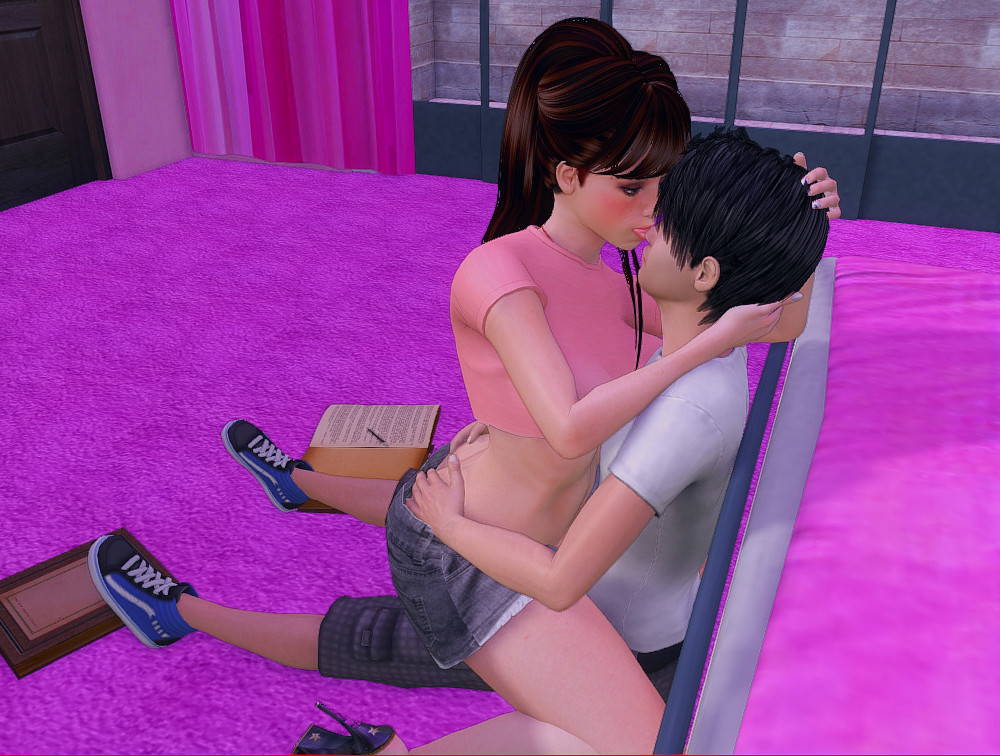
Second Happiness

More by Vnorth

About Second Happiness
“The main character, an 18-year-old man, decided to try and be the man of the house. His new mom gave him this idea, and she is the one he is interested in the most. There are many pretty women in the game, and sometimes they too give in to the charm of MC’s insolence.
This game contains 2000+ images and 60+ animations, one mommy, who is the best milf ever, and 15 other female characters. It is made as a sandbox.
There are good books, reading which you wish they never end. You may wish that this game doesn’t end too soon; be sure, you can’t rush through it, simply because there are so many women in the game.”
Confused about how the downloading works? Here is a handy guide
- Extract and run.
Walkthrough & Guide
Missing Image Fix: FILEKNOT - ANONZIP
SKNF Mod v0.4.3.3: FILEKNOT - ANONZIP
SKNF Mod v0.4.4: FILEKNOT - ANONZIP
SKNF Mod Installation:
Unzip the file to main folder (Where the exe is).
1)First run the bat to create the un.rpy file (uses the unren method)
2)then run the game (the batch tries to run the game so wait few secs)
2.a)if you start from the beggining JUST SAVE and exit
steps 1-2 are for the rpy files creation
3)if the batch closes (for some reason
 ) rerun the batch it will now find the rpy files (if step 2 was successful)
3.a)apply the mods (follow instruction in the batch file)
4)run the game and load your previous save
the sknf mod file runs only on LOAD
what that means ? if you start new game you will not see any mod
you must save and then load to see the mod
SKNF Mod Features:
1)makes all hidden spots visible (red background)
2)in volley , adds options , for win/lose others -> you must play first and just lose a ball/or win , it doesn't matter
3)top right $ and -/+ for time and res to reset day (it doesn't reset all variables , propabbly i wont "fix/improve" this)
4)mod button -> "cheats" for your stats
some variable toggles (coffee for you / cake for policewoman / unlock "lock skill" and others (well i don't remember)
Version 3.4 will contain 6 animations with Angie.
Minimum
OS: Windows 7+ / macOS 10.10+ / Linux
CPU: Dual Core 1.5 GHz
RAM: 2 GB
GPU: Integrated Graphics
Storage: 2.80 GB
Recommended
OS: Windows 10+ / macOS 12+ / Linux
CPU: Dual Core 2.0 GHz
RAM: 4 GB
GPU: Any dedicated GPU
Storage: 2.80 GB
Download appears on desktop, but will not open, do i need to put something in the package before it will open? for MAC
I do not have a mac to test it myself. I looked on another properly packed renpy game and compared that to this game and this is how it is.
You have to put all other files and folders (Game, lib,renpy,Second_hapiness.py etc) inside \Second_happiness.app\Contents\Resources\autorun\ directory. Do it and tell us if it works, we will update the Instruction for mac.
Everything is there, except the autorun, i don’t think i’ve missed it, so i can’t move game or renpy in their correct spots. The icon pops up like it’s going to start up but just for a moment then never does, and i know it’s not opening at all because i can’t force quit it.
Doesnt MAC has some sort of file explorer? Can you cut those files and folder I have mentioned and paste inside autoplay folder? (if there is no autoplay folder inside Resources folder then create a folder named “autoplay” and paste all those files inside autoplay folder.
I’ve done it all, still will not start up, it may be something simple i’m missing on my end, if someone else on MAC tries the same thing it may work
Copy everything in the main folder including the .exe. Right click the app, follow the instructions to paste given above. On the first time opening a new app, you must right click it and select open, or it will not open. You should get a security prompt, select to open it. You can now open it any time by just double clicking it.
Hidden spots not visible.
is there anybody can tell that how to buy swimsuit because every time when I go there girl asked why are you hiding is there any solution
I need this part too, don’t know how to proceed…
Saturday, Day, BADGIRL shop upside the coffee shop. You’re welcome ! 😀
Please make android version of this game
It’s not available yet.
version 2.7 in mega not working
Try the latest version and check if the problem persists.
version 2.5 are available?
Yes.
Link to mod not working
Fixed
The compressed file does not like its images. Upon startup every referenced image file throws an error:
I’m sorry, but an uncaught exception occurred.
While loading <‘Image’ ‘images/WarningAge.png’>:
Exception: Could not load image ‘images/WarningAge.png’: error(‘Unsupported image format’,)
-> Ignore next image:
I’m sorry, but an uncaught exception occurred.
While loading <‘Image’ ‘1.jpg’>:
File “game/script (2).rpy”, line 279, in script
Exception: Could not load image ‘1.jpg’: error(‘Unsupported image format’,)
is there a way to get ride of cheat detector?