
Ongoing
v0.6.10 Bugfix
Research into Corruption
3DCG
Anal Sex
Animated
BDSM
Big Ass
Big Tits
Corruption
Group Sex
Incest
Male Protagonist
Oral Sex
Pregnancy
Sleep Sex
Spanking
Voyeurism
About Research into Corruption
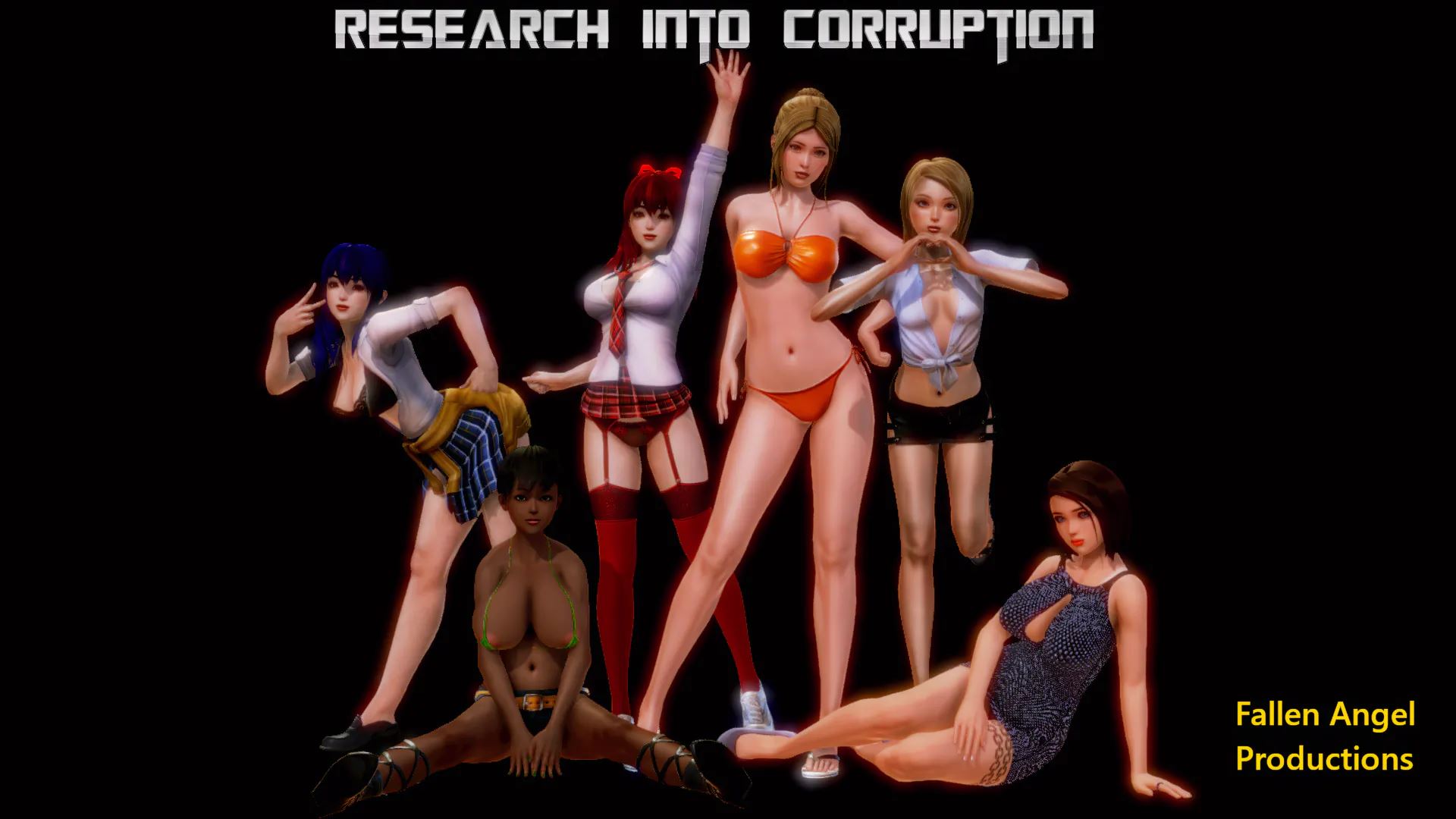
This is a Modded RPGMV Game to simulate a type of Visual Novel Exploration Corruption game.
Note : This is not your ordinary RPG Maker Game!
You need to corrupt the people around you to help you with your new line of work.
Downloads
Confused about how the downloading works? Here is a handy guide
Windows
Fileknot Transfaze Fileknot (Update Patch v0.6.7 > v0.6.10) Transfaze (Update Patch v0.6.7 > v0.6.10) Fileknot (Old Version HQ) Transfaze (Old Version HQ) Fileknot (Old Version Compressed) Transfaze (Old Version Compressed)
Android APK
Fileknot Transfaze
Mac OS
Fileknot Transfaze Fileknot (Old Version HQ) Transfaze (Old Version HQ) Fileknot (Old Version Compressed) Transfaze (Old Version Compressed)
Linux
Fileknot Transfaze Fileknot (Update Patch v0.6.7 > v0.6.10) Transfaze (Update Patch v0.6.7 > v0.6.10) Fileknot (Old Version HQ) Transfaze (Old Version HQ) Fileknot (Old Version Compressed) Transfaze (Old Version Compressed)
Windows
Store2 Mega Pixeldrain Workupload Store2 (Update Patch v0.6.7 > v0.6.10) Mega (Update Patch v0.6.7 > v0.6.10) Pixeldrain (Update Patch v0.6.7 > v0.6.10) Workupload (Update Patch v0.6.7 > v0.6.10) Mega (Old Version HQ) Pixeldrain (Old Version HQ) Mega (Old Version Compressed)
Android APK
Store11 Pixeldrain Workupload
Mac OS
Store2 Mega Pixeldrain Workupload Mega (Old Version HQ) Pixeldrain (Old Version HQ) Mega (Old Version Compressed)
Linux
Store2 Mega Pixeldrain Workupload Store2 (Update Patch v0.6.7 > v0.6.10) Mega (Update Patch v0.6.7 > v0.6.10) Pixeldrain (Update Patch v0.6.7 > v0.6.10) Workupload (Update Patch v0.6.7 > v0.6.10) Mega (Old Version HQ) Pixeldrain (Old Version HQ) Mega (Old Version Compressed)
Copyright and Terms: Lewdzone is a crawling site. We post games like Research into Corruption from trusted sources like Patreon official release, creator's official site and F95. We only share links of files provided by those sources. We do not include/exclude anything to/from the packages. We do not host those files and those files are hosted in public file sharing servers and by the ToS of those servers, it is legal to share any public files.
- Extract and Run.
- Loading Error Fix: Provided by the developer, Please <a href="#comment-3189">read this fix</a>.
Walkthrough & Guide
Minimum
OS: Windows 7+ / macOS 10.13+ / Linux
CPU: Dual Core 2.0 GHz
RAM: 4 GB
GPU: Integrated (OpenGL 2.1)
Storage: 1.28 GB
Recommended
OS: Windows 10+ / macOS 12+ / Linux
CPU: Quad Core 2.5 GHz
RAM: 8 GB
GPU: Any dedicated GPU
Storage: 1.28 GB
I (DrSmith) am the developer of Research into Corruption as from v0.6.5. The original creator had to stop and his last version was 0.6.0.
Do you have a patreon or other link that we can add?
I don’t have a Patreon page because the original creator had to hand over development to me being forced by Patreon.
Because I’m doing this in my spare time, releases are irregular and slow. That’s why I only have an own page set up here https://mdoornebosch.wixsite.com/website
And a Ko-fi page for the occasional donation: https://ko-fi.com/U7U4LFKZ
Updated.
Thanks!
Well I learned a valuable lesson: don’t rush bugfix releases!
Boom and I have been busy solving the ‘missing .png’ loading error because some more people showed up having this error and the initial solutions that I mentioned in this thread didn’t work.
It appeared that I have forgotten to switch off a plugin needed for MAC and can cause problems on Windows computers when other games using the same plugin have been played.
To fix this, I have uploaded a new file: ‘RiC fix loading error package.json’.
When you run into this loading error: download the fix, move it to the game folder, delete the original package.json and rename the fix package to package.json.
The game will now load without any problems and the saves will be stored in “Users\’username’\AppData\Local\Research into Corruption”.
Link to the fix:
https://mega.nz/#!VvJESCab!Mg7iO5MqnbsZlJowCfhQfcX-Y3juP8MNMK2eJiLHFus
TL;DR: If you get the loading error in Windows, download this file -> https://mega.nz/#!MSQ3DSID!haUkxiQzaB-dFpc1gp3EnHKoj_x3Kp9vfYbrWAnkztY
replace with the package.json in “game” folder.
LOAD EROR failed to load:img/chracters/Hero2.png
Sorry, don’t look too often here.
That’s something that occurs occasionally and is not a bug in the game but something from RPGMV and the OS.
To solve this, copy a random image and rename it to hero2.png. Chances are you’ll get a 2nd similar error and resolve this in the same way.
After that you’re good to go.
You can subscribe to this comment section from above if you want.
Will there be new updates?
It’s not available yet.
This is back in development
3G download and all that plays is the opening sequence then screen goes blank and then closes. COMPLETE SHITE and DON’T Waste your time downloading it .
did not get a loading error error message, tried it multiple times with exactly same results in the same place. USING Win10 for reference