
Finished
v1.1.0
ETO: Girl Life
Anal Sex
Animated
Bestiality
Female Protagonist
Group Sex
Lesbian
Multiple penetration
Oral Sex
Rape
Real Porn
Sex Toys
Simulator
Vaginal Sex
Virgin
Voyeurism
About ETO: Girl Life
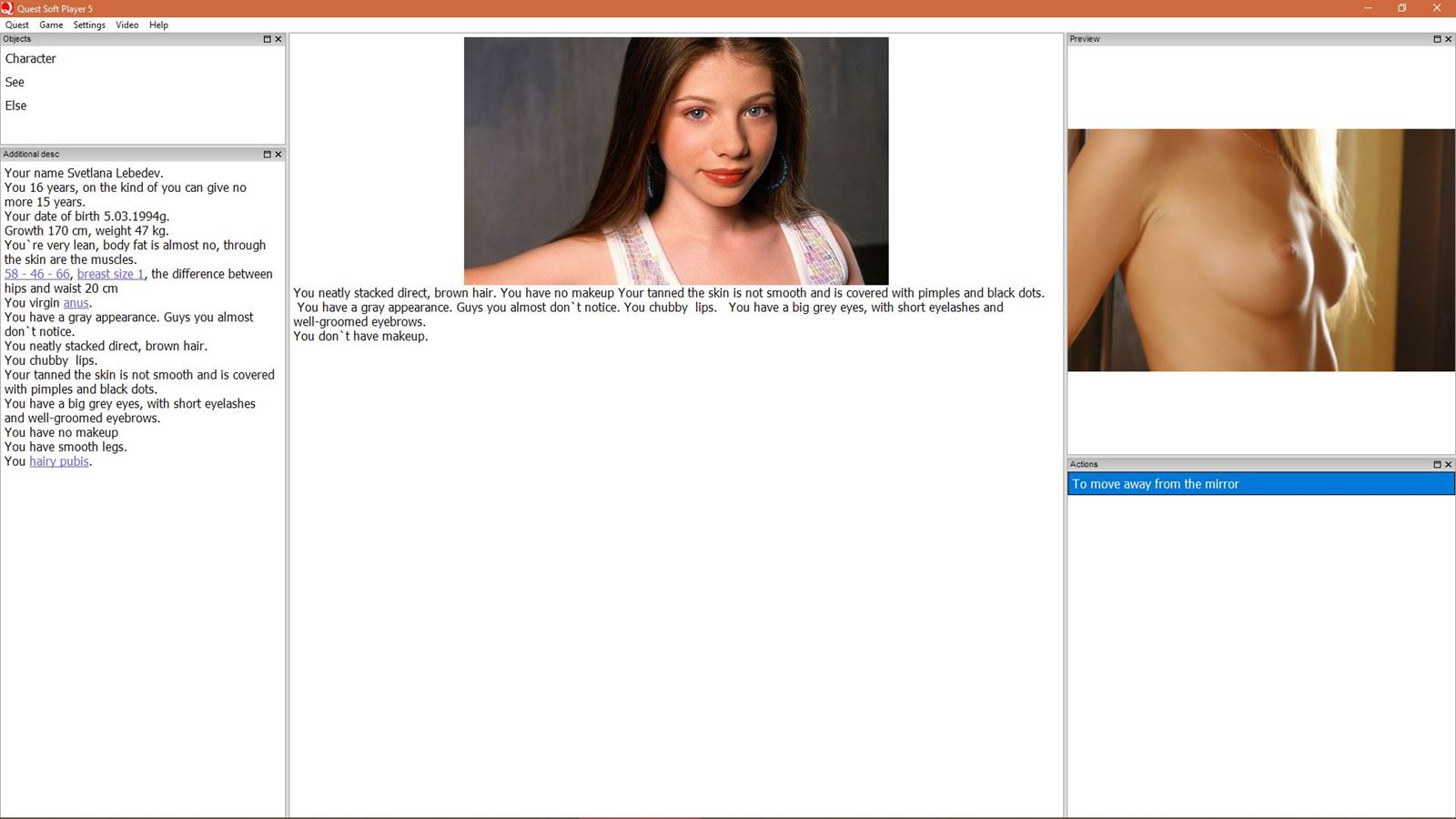
So this is the original version of the game Girl Life that is being developed entirely by the tfgamesite community team…….It’s a Russian text game with pretty much lets you live a Girl’s Life.
Downloads
v1.1.0Confused about how the downloading works? Here is a handy guide
Windows
Fileknot (Image Pack) Anonzip (Image Pack) Transfaze (Image Pack) Fileknot (English QSP) Anonzip (English QSP) Transfaze (English QSP)
Copyright and Terms: Lewdzone is a crawling site. We post games like ETO: Girl Life from trusted sources like Patreon official release, creator's official site and F95. We only share links of files provided by those sources. We do not include/exclude anything to/from the packages. We do not host those files and those files are hosted in public file sharing servers and by the ToS of those servers, it is legal to share any public files.
- Extract archive to your desired location.<br>If you got a translated .qsp file - put in same directory as img folders, overwriting original.<br>Open the game folder, choose the 'Player' folder and go down to '..\Player\qsp570\ ...'<br>There you find an executable named 'qspgui.exe', click to run it and start up the QSP GUI.
- Within Player GUI select the game:<br>Press ALT+L to select your language and set to e.g. english.<br>In the drop-down menu choose 'Quest > Open game...' (or press ALT+O).
- Open a .qsp game file:<br>Either:<br>- To start game navigate to original '<GameName>.qsp' file - click on 'Open' to run the game.<br>Or:<br>If you got a translated .qsp file - copy it over original file (if you haven't already, see above).<br>- To start game navigate to translated '<GameName>.qsp' file - click on 'Open' to run game.
Minimum
OS: Windows 7+
CPU: Dual Core 2.0 GHz
RAM: 4 GB
GPU: Integrated Graphics
Storage: 402.09 MB
Recommended
OS: Windows 10+
CPU: Quad Core 2.5 GHz
RAM: 8 GB
GPU: Any dedicated GPU
Storage: 402.09 MB
Please translate it!!!!
Download both files from the Download Link section and read the game installation.
Apply it step by step.
hi, no way to get in EN language? thanks
Download both files from the Download Link section and read the game installation.
Apply it step by step.