
Finished
v1.1
Cyndy: A Porn Adventure
Developer
DreamBig Games
Engine
Unreal Engine
Version
1.1 (Finished)
Released: Jun 26, 2019
Updated: Sep 17, 2024
Censorship
Uncensored
More by DreamBig Games








About Cyndy: A Porn Adventure
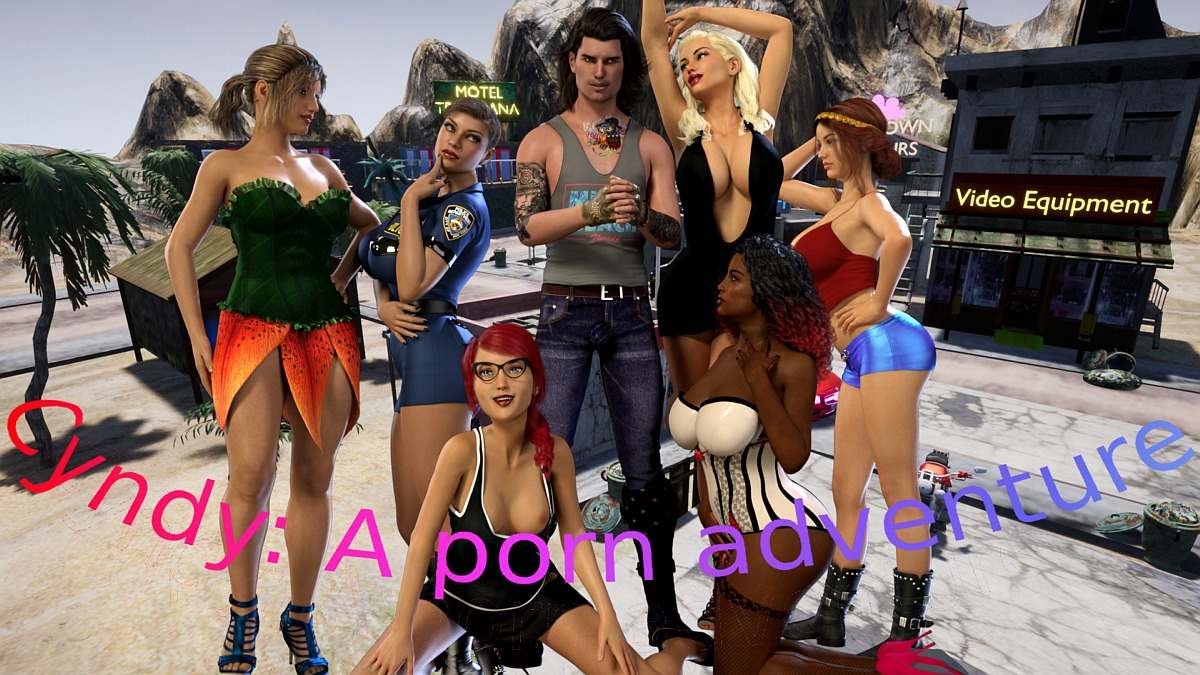
Cyndy: A porn adventure is about Cyndy and you. You are a small town crook making a living by robbing drunk people in the local bar. Cyndy, a gold digger who went a bit too far with her sugar daddy and ended up abandoned in your town. Events have brought you together and you see in Cyndy your chance to strike big .
Downloads
Confused about how the downloading works? Here is a handy guide
Windows
Workupload (64bit)
Copyright and Terms: Lewdzone is a crawling site. We post games like Cyndy: A Porn Adventure from trusted sources like Patreon official release, creator's official site and F95. We only share links of files provided by those sources. We do not include/exclude anything to/from the packages. We do not host those files and those files are hosted in public file sharing servers and by the ToS of those servers, it is legal to share any public files.
- Extract both archives to a desired location.
- Copy the contents of the crack folder and paste into game folder.
- Click on "Cyndy.exe" to start playing.
Walkthrough & Guide
Video Walkthrough
Modding:
1. Create a folder, the name of the folder will be the name of the mod and plot in the game.
2. Add at least 10 images .jpg format. The project editing puzzle function requires 10 or more images to function, if there are less than 10, the player won't be able to edit the project.
3. Add a sound file in .OGG format. This will be the background music for the project. You can change the audio file format with this free online converter: https://www.online-convert.com
4 Create a .TXT file in the folder with 2 values :
The first line is the number of actors present in the plot. When playing that project, the projected income will be raised by 100$ for each actor, so I would keep it realistic.
The second line is the amount of time 1 image will be displayed in the slideshow ( movie type project ) and it must be a number with a minimum of 0.1 and a max 0f 1. For best results, you should divide the length of the sound file with the number of images, and then divide by 10. This way, your image slide show will run at the same pace as the sound and end at the same time. However, in most of my plots, I've used a 0.5 value ( this equals to a 5 seconds per images slideshow ) as I think this is a good time to take in a picture. If any user would like to see a picture for longer they can always access that plot in the photo mode and there they can change the pictures manually.
2. End-user/ player
1 Copy the new mod folder inside your game installation folder, in the Contents\ Mods\ folder.
2 Run the game
3
If this is a mod added to an existing saved game: Load the Save file as usual.
4. Open configuration menu from the top left gears icon.
5. Open the Mods Configuration menu.
6. On the left you will have all available mods.
7. Select one or more of them.
8. From the dropdown box " Select plot type" select a plot type. In this type, you will find your selected mods after install.
9. Click on Load Mods button.
10. Close all menus, go to the hotel room and ENJOY!
If this is a new game,
4.Open Configuration from Game Start screen.
5. Open the Mods Configuration menu.
6. On the left, you will have all available mods.
7. Select one or more of them.
8. From the dropdown box " Select plot type" select a plot type. In this type, you will find your selected mods after install.
9. Click on Load Mods button.
10. Start a New Game or Skip Story ( this part skips the introduction story)
Modding:
1. Create a folder, the name of the folder will be the name of the mod and plot in the game.
2. Add at least 10 images .jpg format. The project editing puzzle function requires 10 or more images to function, if there are less than 10, the player won't be able to edit the project.
3. Add a sound file in .OGG format. This will be the background music for the project. You can change the audio file format with this free online converter: https://www.online-convert.com
4 Create a .TXT file in the folder with 2 values :
The first line is the number of actors present in the plot. When playing that project, the projected income will be raised by 100$ for each actor, so I would keep it realistic.
The second line is the amount of time 1 image will be displayed in the slideshow ( movie type project ) and it must be a number with a minimum of 0.1 and a max 0f 1. For best results, you should divide the length of the sound file with the number of images, and then divide by 10. This way, your image slide show will run at the same pace as the sound and end at the same time. However, in most of my plots, I've used a 0.5 value ( this equals to a 5 seconds per images slideshow ) as I think this is a good time to take in a picture. If any user would like to see a picture for longer they can always access that plot in the photo mode and there they can change the pictures manually.
2. End-user/ player
1 Copy the new mod folder inside your game installation folder, in the Contents\ Mods\ folder.
2 Run the game
3
If this is a mod added to an existing saved game: Load the Save file as usual.
4. Open configuration menu from the top left gears icon.
5. Open the Mods Configuration menu.
6. On the left you will have all available mods.
7. Select one or more of them.
8. From the dropdown box " Select plot type" select a plot type. In this type, you will find your selected mods after install.
9. Click on Load Mods button.
10. Close all menus, go to the hotel room and ENJOY!
If this is a new game,
4.Open Configuration from Game Start screen.
5. Open the Mods Configuration menu.
6. On the left, you will have all available mods.
7. Select one or more of them.
8. From the dropdown box " Select plot type" select a plot type. In this type, you will find your selected mods after install.
9. Click on Load Mods button.
10. Start a New Game or Skip Story ( this part skips the introduction story)
Minimum
OS: Windows 10+
CPU: Quad Core 2.5 GHz
RAM: 8 GB
GPU: GTX 960 / RX 280 (2 GB)
DirectX: 11
Storage: 822.8 MB
Recommended
OS: Windows 10/11
CPU: Quad Core 3.0 GHz
RAM: 12 GB
GPU: GTX 1060 / RX 580 (4 GB)
Storage: 822.8 MB
Starting the game opens up the steamstore page is there a crack for the game?
Added Crack in Installation section. thanks for letting us know.
Thanks, the crack seems to have been removed though.
All links no longer work.
We have fixed the links.
The link for the crack is no good.
We have fixed it.