
Finished
vExpansion
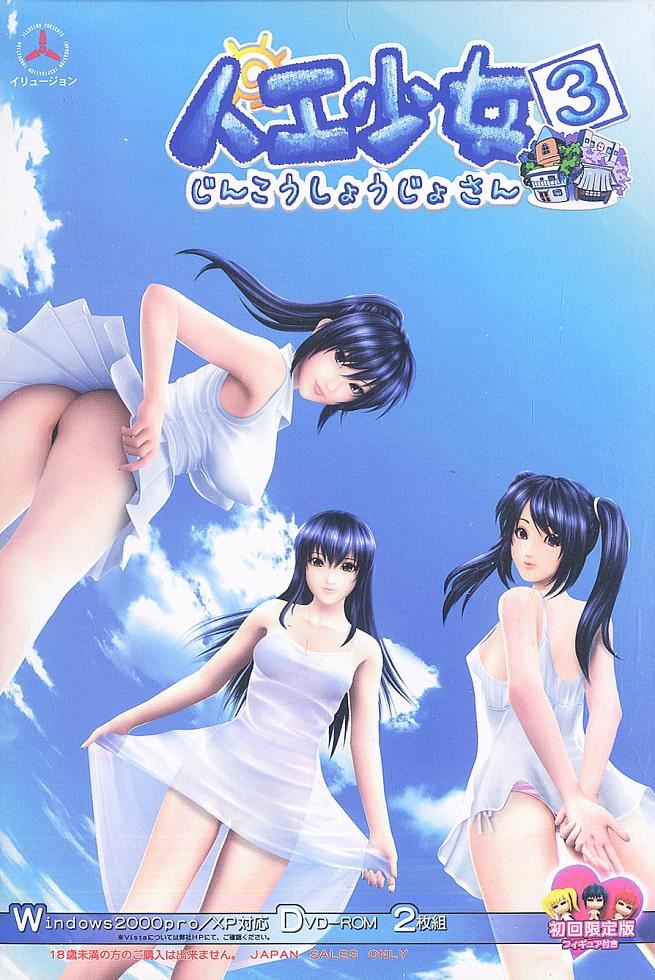
Artificial Girl 3
More by Illusion







About Artificial Girl 3
“You can also be messed up again”
Based on the numerous “3D software” Illusion has published so far, “Those who breathed life into a girl” is artificial girl 3.
Mysterious girls make life feel.
Together with such girls, enjoying the flow of time, this is another mysterious life.
Artificial girl 3 touches life, enjoys time and finds something comfortable ………
It ‘s “3D Lovely Life” full of dreamlike fun.
Downloads
vExpansionConfused about how the downloading works? Here is a handy guide
Copyright and Terms: Lewdzone is a crawling site. We post games like Artificial Girl 3 from trusted sources like Patreon official release, creator's official site and F95. We only share links of files provided by those sources. We do not include/exclude anything to/from the packages. We do not host those files and those files are hosted in public file sharing servers and by the ToS of those servers, it is legal to share any public files.
- Mount image.
- Download using your fav downloads manager (11 files almost 700 megas each one) and unzip with 7zip (almost 15 GB unzipped) BEWARE.
- Drop the AG3 folder inside a new one folder called ILLUSION (only if you don't have any other illusion folder) and this folder (Illusion folder) place it on your HD "root" xample: "C:\\ILLUSION\\AG3"
- Now execute the .reg file called AG3REG for "install" the game.<br>Note: May your HD has a different letter like "D" or "H" instead "C", in this case edit the .reg file open, it with notepad++ or any text editor and change the letter, xample: "INSTALLDIR"="C:\\ILLUSION\\AG3" >>to>> ""INSTALLDIR"="D:\\ILLUSION\\AG3"" and just save and execute it.
- With this you have the game ready for play, you will see a bunch of exes of the game, the only one you need is "Artificial Girl 3 Make" (for make gals and clothes) and "AG3_Play_expansion" exe for play with subtitles enable (just remember to create a world and adding some gals to this one, as xample the files included some gals and worlds for fast play/test).
- You will see also different versions of the tool illusion wizard, you can use the one you like it, the old version or the new version for install your mods, of course theres no problems using the old one or the new one or both at same time.
- The download files includes english subtitles which you can overwrite with your own language. Not sure if its lastest version, if you have a more complete version please share with the community.
- No need trainer tool, the d3d9.dll has included cheat codes for use in the game (active it with ctrl+x). Already included the d3d9.dll for play without lag or stutter.
Walkthrough & Guide
FAQS:
Q. The game keeps crashing/asking for some dlls files.
A: You need to install DirectX 9 and restart pc, here, this version (final) works good for illusion old games:
https://www.microsoft.com/en-us/download/details.aspx?id=8109
If you want install this too:
Microsoft Visual C++ all versions (recommend but no neccesary for play)
https://docs.microsoft.com/es-es/cpp/windows/latest-supported-vc-redist?view=msvc-170
Q. With the Exe file included you can't create new worlds (some kind of write in japanese problem).
A: Use the exe vanilla one for this particular problem.
Q. After closing the game you will see "two desktops".
A: Press F5 for fix it.
Q. Can I share links in others places/ways?
A: Of course you can or better make a mirror of them.
Enjoy!
Q. The game keeps crashing/asking for some dlls files.
A: You need to install DirectX 9 and restart pc, here, this version (final) works good for illusion old games:
https://www.microsoft.com/en-us/download/details.aspx?id=8109
If you want install this too:
Microsoft Visual C++ all versions (recommend but no neccesary for play)
https://docs.microsoft.com/es-es/cpp/windows/latest-supported-vc-redist?view=msvc-170
Q. With the Exe file included you can't create new worlds (some kind of write in japanese problem).
A: Use the exe vanilla one for this particular problem.
Q. After closing the game you will see "two desktops".
A: Press F5 for fix it.
Q. Can I share links in others places/ways?
A: Of course you can or better make a mirror of them.
Enjoy!
Minimum
OS: Windows 7+
CPU: Dual Core 2.0 GHz
RAM: 4 GB
GPU: Integrated Graphics
Storage: 5.15 GB
Recommended
OS: Windows 10+
CPU: Quad Core 2.5 GHz
RAM: 8 GB
GPU: Any dedicated GPU
Storage: 5.15 GB
is it compitable with win10? and from what i’ve search even if AG3 success to installed in win10, it’s kinda laggy. is it able to mod this version & how to do it? because last time i played it, i using “hongfire” as the way to mod it and now hongfire is already dead(web,forum,etc). i love this game (or used to) and please anyone answer please & thank’s. (disclaimer: english isn’t my first language)
i answer my own question here [-_-], this game is not compitable at all and very laggy in win10. Unless you using win7 and/or have $2k worth PC don’t ever bother to download&play this game.
I’m a bit late but I had the same problem. Just follow the steps in this video and now the game runs flawlessly.
I downloaded the file but there are no instructions. How can i install the game?
We have updated the instructions above.
How to change language