
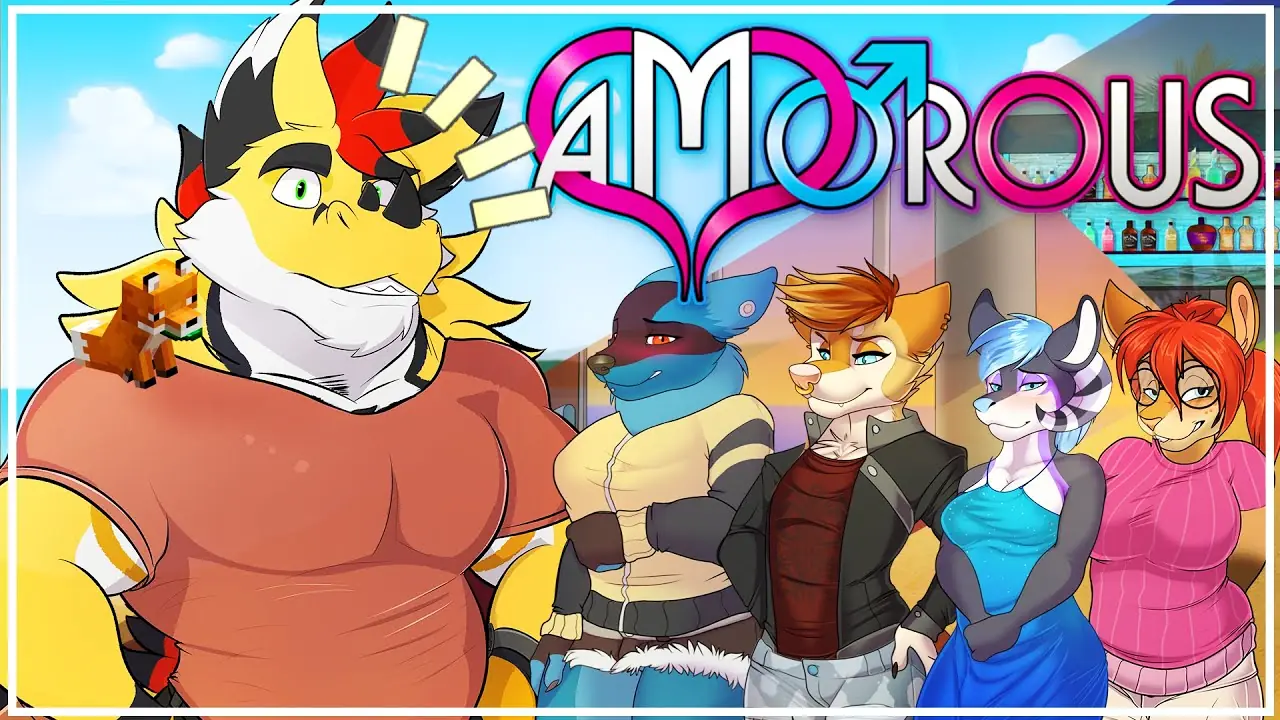
Amorous
More by Team Amorous

About Amorous
Thrust yourself to the front of the line of Amorous, a bustling furry night club that invites you to explore it’s neon lights and eccentric characters. Immerse yourself with a fleshed out character creator and treat yourself to a varied cast of potential dates to explore!
Downloads
Confused about how the downloading works? Here is a handy guide
- On <b>Windows</b>, extract to an empty folder and launch Amorous.Game.Windows.exe. Keep in mind you need to have <a class="link link--external has-favicon" href="https://www.microsoft.com/en-us/download/details.aspx?id=40773" target="_blank" rel="nofollow noopener">.NET Framework 4.5.1</a> installed, as well as <a class="link link--external has-favicon" href="https://www.microsoft.com/en-us/download/details.aspx?id=48145" target="_blank" rel="nofollow noopener">Visual C++ 2015 x86 and/or Visual C++ 2015 x64</a> depending on your architecture.
- On <b>Linux</b>, extract to an empty folder and launch Amorous.Game.Unix.
- On <b>Mac</b>, extract somewhere and launch the resulting Amorous-app. If you want to, you can even move it to your Applications.
Unfortunately, some files got mixed up with the release yesterday, breaking the Mac and Linux builds of the game. A hotfix was just released to fix that issue.
On top of that, we saw reports of the Club Amorous DJ crashing the game. We also fixed that issue with this release on all platforms.
Last but not least, we noticed the High DPI mode on Mac needs some manual work to get right. As such, we moved the High DPI mode to a startup argument for advanced users: -highdpi.
To get High DPI mode working properly (as in, your menu won’t be shown in the top-left with lots of black around it), follow these steps:
– Start the game without the -highdpi startup argument
– In the main menu under “Options”, set your resolution to the maximum possible. Also turn on fullscreen mode.
– Close the Options-window properly (in order to save your changes).
– Close the game, or if you are no longer able to click “Quit”, press CMD+Q instead.
– Set the -highdpi startup argument
– Start the game
You should now have a High DPI version of Amorous. Keep in kind that toggling fullscreen will break the High DPI mode and you will have to restart the game!
Minimum
OS: Windows 7+
CPU: Dual Core 2.0 GHz
RAM: 4 GB
GPU: Integrated Graphics
Storage: 449.0 MB
Recommended
OS: Windows 10+
CPU: Quad Core 2.5 GHz
RAM: 8 GB
GPU: Any dedicated GPU
Storage: 449.0 MB
game will crash when trying to open anything the the messages tab in diary