
What Could Go Wrong?
About What Could Go Wrong?
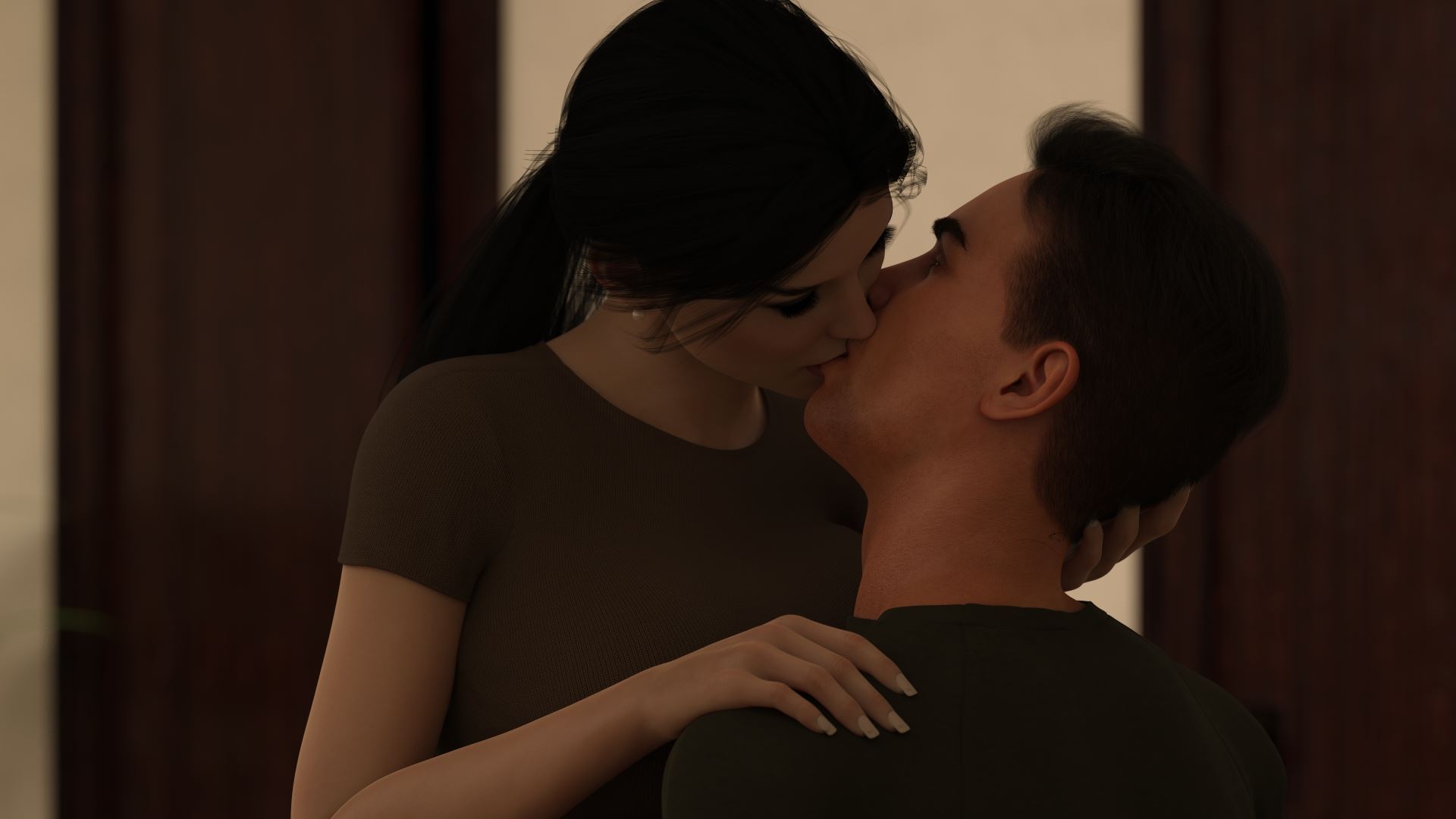
You will play the role of a guy in his late 20s. You work in a workshop for a guy who helped you get out of trouble — the trouble you got into through your own stupidity and hubris.
Every choice made by the player will say something about the main character and his past through relationships/dialogue with NPCs. Some choices will show the consequences of the decisions made. That is why I do not want to give too much information here about the MC. The player will learn everything through the character’s interactions with the outside world.
Downloads
Confused about how the downloading works? Here is a handy guide
- Extract and run.
Walkthrough & Guide
Walkthrough Mod Installation:
1. Unzip file
2. Copy contents to /game folder in the game install directory
UNINSTALL:
1. Delete modwtasahibito.rpa
Walkthrough Mod Features:
Walkthrough calls out choices that lead to Lewd and Sex Scenes, Achievements and Gallery Pics.
Walkthrough highlights any relevant variables and flags pertaining to a choice.
For imagemap based unlockables an optional pointer to the location can be shown.
Walkthrough text font size can be scaled.
Mod also adds the ability to name saves.
Keyboard Navigation:
G - Show/Hide Walkthrough Guide
P - Show/Hide Pointer where applicable
Gallery Mod: FILEKNOT - ANONZIP
Gallery Mod Installation:
1. Unzip file
2. Copy contents to /game folder in the game install directory
UNINSTALL:
1. Delete modgalasahibito.rpa
Gallery Mod Features:
Names and Relationships can be changed from defaults.
Filter gallery by multiple tags.
There is also an optional Unlock/Relock Unseen button. Due to Renpy limitation viewing a scene unlocked through the button will unlock it permanently.
During replay, right-click and choose "End Replay" to stop replay and return to gallery.
When viewing images can toggle between actual size or fit to screen if applicable. If actual size is larger than screen, image can be scrolled around.
Keyboard Navigation:
G - From main menu, opens gallery
Left/Right Arrow - Prev/Next Page
Ctrl + Left/Right Arrow - First/Last Page
#1-9: Jump to 1st through 9th Page respectively
#0: Jump to Last Page
F - Open Filter screen
N - Open Rename screen
U - Unlock/Relock button
X - Exit filter screen, rename screen, image viewer or replay if applicable
Z - In image viewer - toggle actual size or fit to screen
H - In image viewer - hide buttons for UI free viewing
C - In Filter screen - Clear all filters
S - In Rename screen - Set the name changes
Minimum
OS: Windows 7+ / macOS 10.10+ / Linux
CPU: Dual Core 1.5 GHz
RAM: 2 GB
GPU: Integrated Graphics
Storage: 4.52 GB
Recommended
OS: Windows 10+ / macOS 12+ / Linux
CPU: Dual Core 2.0 GHz
RAM: 4 GB
GPU: Any dedicated GPU
Storage: 4.52 GB
where pixeldrain and other link?? this 3 current link now only send me to blank empty link