
Finished
vFinal
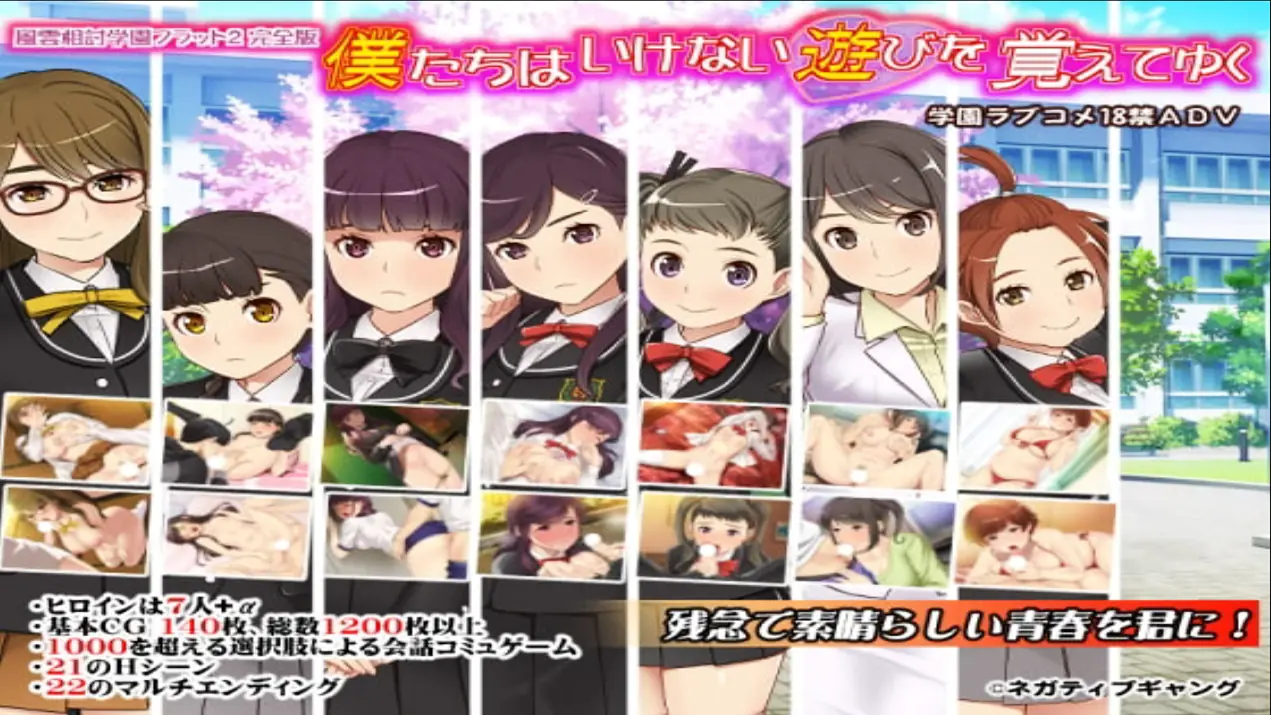
We learned to play naughty games -Fuun-Aiuchi Academy Flat 2 – Complete Edition
Developer
Negative Gang
Engine
Others
Version
Final (Finished)
Released: Aug 9, 2020
Updated: Jul 1, 2025
Censorship
Censored
2DCG
Big Tits
Censored
Creampie
Exhibitionism
Groping
Handjob
Humor
Incest
Internal View
Japanese Game
Male Protagonist
Masturbation
MILF
Multiple Endings
Oral Sex
Romance
School Setting
Teasing
Titfuck
Vaginal Sex
Virgin
Visual Novel
Voyeurism
About We learned to play naughty games -Fuun-Aiuchi Academy Flat 2 – Complete Edition
Tomorrow is the long-awaited entrance ceremony.
But… my house burned down in a fire!
The story kicks off as I crash at my cousin’s place.
Dive into a conversation-driven adventure with over 1,000 choices!
It’s mostly a rom-com, so don’t expect anything too intense.
Downloads
vFinalConfused about how the downloading works? Here is a handy guide
Copyright and Terms: Lewdzone is a crawling site. We post games like We learned to play naughty games -Fuun-Aiuchi Academy Flat 2 – Complete Edition from trusted sources like Patreon official release, creator's official site and F95. We only share links of files provided by those sources. We do not include/exclude anything to/from the packages. We do not host those files and those files are hosted in public file sharing servers and by the ToS of those servers, it is legal to share any public files.
- Extract and run.
Walkthrough & Guide
0.txt Hotfix: FILEKNOT - ANONZIP
Walkthrough: FILEKNOT - ANONZIP
Translator Notes:
Note: About the music... you have to turn up the BGM volume in the setting section, once you start the game, so there's no need to delete any file.
Also the translation was made with the UD デジタル or GrasiaCustom font(Mirror) in mind (this depends on the operating system you have, though). You can change the type of font by clicking in フォント in the top menu
And to fullscreen from the SET (setting) once you start the game or by clicking in 画面 in the main menu
Walkthrough: FILEKNOT - ANONZIP
Translator Notes:
Note: About the music... you have to turn up the BGM volume in the setting section, once you start the game, so there's no need to delete any file.
Also the translation was made with the UD デジタル or GrasiaCustom font(Mirror) in mind (this depends on the operating system you have, though). You can change the type of font by clicking in フォント in the top menu
And to fullscreen from the SET (setting) once you start the game or by clicking in 画面 in the main menu
Minimum
OS: Windows 7+
CPU: Dual Core 2.0 GHz
RAM: 4 GB
GPU: Integrated Graphics
Storage: 1.41 GB
Recommended
OS: Windows 10+
CPU: Quad Core 2.5 GHz
RAM: 8 GB
GPU: Any dedicated GPU
Storage: 1.41 GB