
TranceParent
About TranceParent
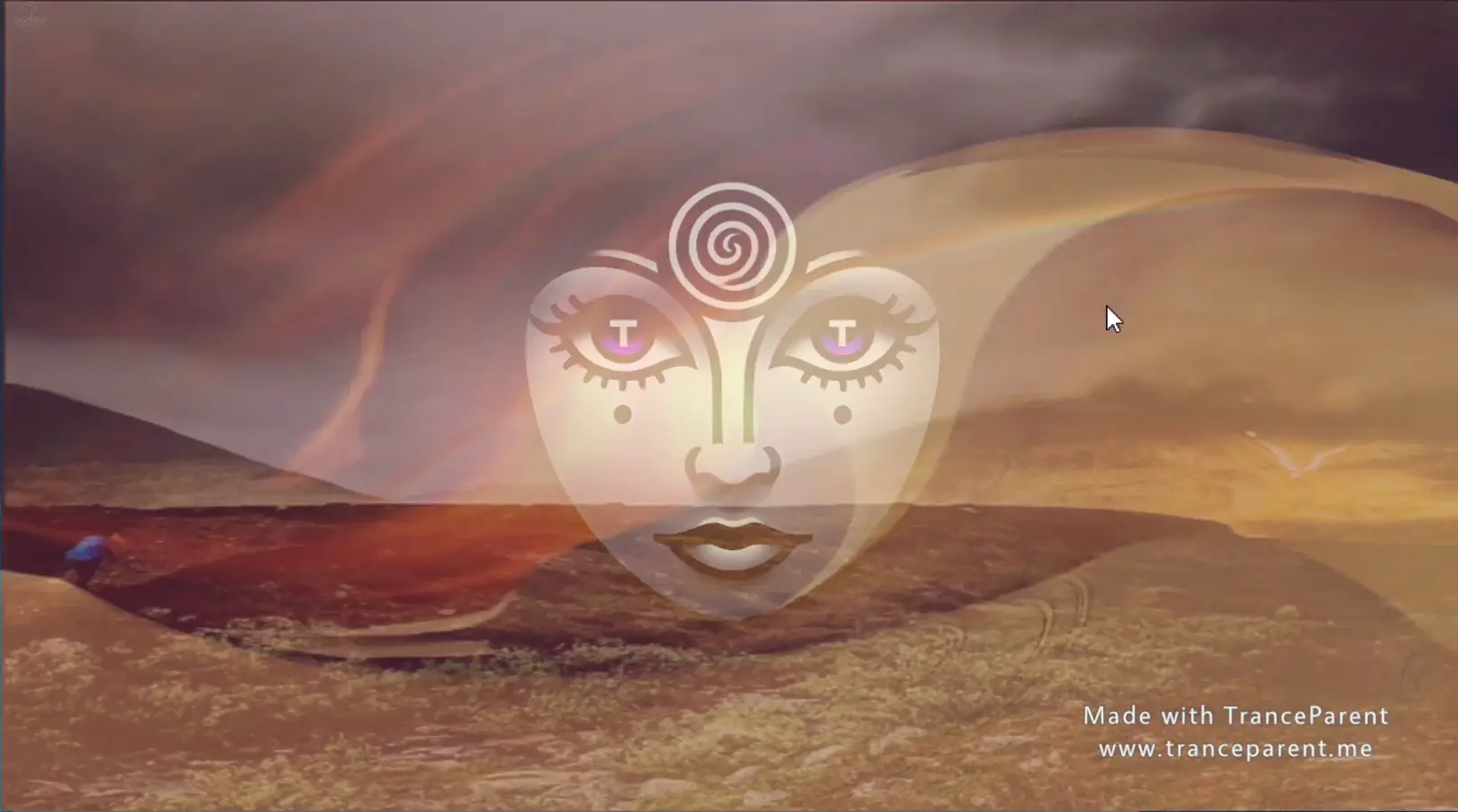
TranceParent is a new way to view your media! You can use it to do self hypnosis, goon your brains out, femdom hypno, make custom PMVs or whatever else you can imagine. It works by letting you load in a folder of images, gifs, videos, mp3s or other media into semi-transparent layers. Then it will randomly cycle through those media files even allowing you to create spirals out of any images. Set up multiple layers with different transparency levels and you can stack up the perfect combination. There are many other features as well!
Downloads
Confused about how the downloading works? Here is a handy guide
- Extract and run.
- Click the icon in the upper left and create a layer
- Click the Media Folder field to browse to a folder of your media
- Enable the Layer
- Enjoy!
- If you need help figuring out how to create layers or add media, watch the youtube video here: <a href="https://youtu.be/6CJKwD_yC-A" target="_blank" rel="nofollow noopener">Youtube Tutorial</a>
So with this build I really wanted to fix a lot of issues with the Media Layer and its lags, delays and bugs, so I completely reworked this layer and optimized it quite a bit. Additionally I fixed several of the annoying bugs that have been pestering me and probably others. Lastly 2 new effects were added, Ripple and Mesmerize.
Oh also a cache button was added, but use it with care, it will load the entire contents of the folder into cache and this can lock up your machine if it contains lots of files or large files. I will figure out a way to make this less problematic in future builds, but I wanted to add in something that made it smoother to play images and videos.
Change Log:
- New Cache toggle added to media layers
- Space now toggles Preview mode rather than requiring you to hold it
- While the Layer Manager is open the other UI buttons are now hidden
- Added a new Ripple Effect for Hypno Enthusiasts
- Added a new Mesmerize Effect for Hypno Enthusiasts
- When loading files in media layers, no longer show a white screen
- Complete re-code of the media layer to clean up and greatly optimize it. It should now allow faster image cycling as well
- Adjusted the cycle time ranges to 0.1 second – 30 seconds
- Changed how cycling effects the effects system to ensure it doesn’t reset each cycle
- The app should now close properly when you click the X or press alt + F4
- Fixed bugs with layers not cycling images or getting frozen
- Fixed bugs with hot keys interrupting typing in Text layers and Text Promps
- Fixed bugs with the up, down, left and right arrow keys not working with loaded save files
- Changed the “Warning” message color for notifications to a yellow color (from white)
- Pressing space no longer interacts with the UI elements as it was causing it to turn off a layer when you want to preview it
Minimum
OS: Windows 7+ / macOS 10.13+
CPU: Dual Core 2.0 GHz
RAM: 4 GB
GPU: Integrated (DX10)
Storage: 80.3 MB
Recommended
OS: Windows 10+ / macOS 12+
CPU: Quad Core 2.5 GHz
RAM: 8 GB
GPU: GTX 750 / RX 460
Storage: 80.3 MB
I havent even downloaded i wont lie, but just based on the pics uploaded here, this game doesnt look good at all. Again i have not downloaded so dont use this to form your opinion of the game, but to the developer, you definitely want to upload better pictures if you want anyone to think your game looks good… A bunch of blurry photos and a settings menu just makes it seem like the game is not good enough to download, if its not even good enough to show.
It is not a game, it’s a program to make your own videos