
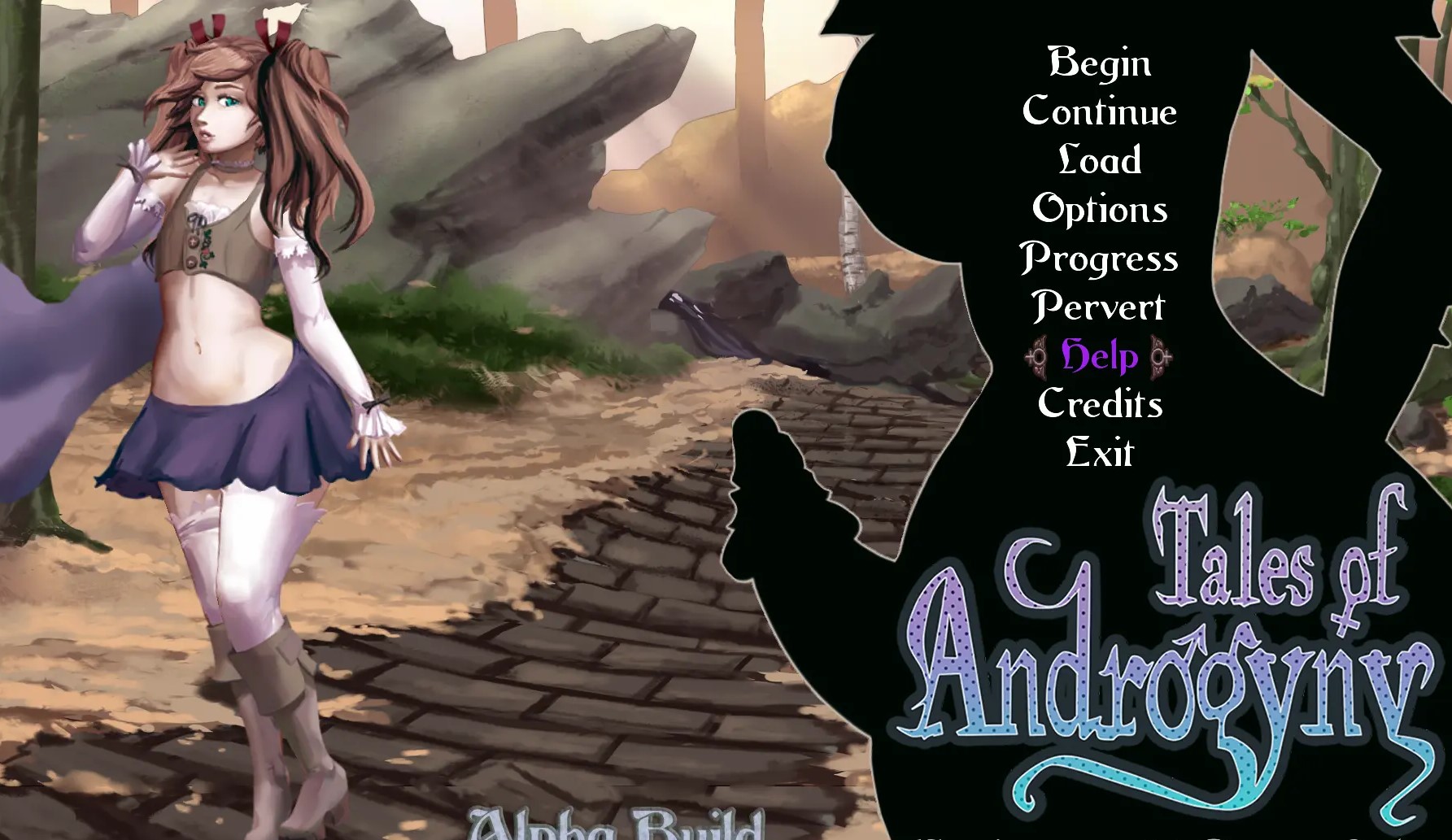
Tales Of Androgyny
About Tales Of Androgyny
Hi there! This is a lewd game featuring characters with androgynous features, some male, some female, some… slime? You play as a feminine guy that looks like a gal, and you do lewd things with guys, gals, monster guys, monster gals, and… slimes? It’s a stance-based RPG with rogue-lite elements and a frankly suspicious number of phallus(es? odes?) written, drawn, and programmed by us, the Majalis team, consisting of two programmers, one artist, one writer – making in all, two! It’s a custom built game using libgdx.
NOTE: Read installation spoiler if you are having difficulties getting the game to run.
Downloads
Confused about how the downloading works? Here is a handy guide
- Extract zip to desired location.
- Click on "TalesOfAndrogyny.exe" to start playing.
- More Installation For Desktop:<br>1. Download the appropriate ZIP file from the First Page. Options are Windows 64-bit(Win64), Mac, and Linux.<br>2. Extract the ZIP file to your preferred target installation folder, either using a program like 7zip or WinRAR, or using the native Windows and Mac archive extraction.<br>You should now have a folder in your target installation folder with a name like "Tales of Androgyny Win64" - inside of that folder should be a several files (e.g. TalesOfAndrogyny.jar, TalesOfAndrogyny.json) and a jre folder.<br>The structure differs depening on the version, but every version has some kind of application file, config.json, TalesOfAndrogyny.jar and a jre folder somewhere inside of it.<br>3. Navigate to and run TalesOfAndrogyny.exe on Windows, Tales of Androgyny Mac.app on Mac, or TalesOfAndrogyny on Linux (note that on Mac and Linux you may need to run chmod -x Tales of Androgyny Mac.app/TalesOfAndrogyny respectively). The game should launch, and the installation is complete!<br>Note: saves are located in the following locations by platform:<br>Windows: %APPDATA%\TalesOfAndrogyny (Users\<USER>\AppData\Roaming\TalesOfAndrogyny)<br>MacOS: ~/Library/Application Support/TalesOfAndrogyny<br>Linux: ~/.local/share/TalesOfAndrogyny
- For Android:<br>1. Download the Tales-of-Androgyny.apk file from the First Page.<br>2. Using an app management app, sideload the apk file.<br>3. The game should now appear as an app - launch it, and installation is complete!<br>Note*: If the folder is not the same version number as the game, replaces the .jar inside the folder with the newest .jar from the Java download. (Please also read the "important note" below)<br>Note2*: If your Windows has Cyrillic folder names, the standalone won't work.
- X PARTIAL INSTALL/PATCH X: <br>IF you already have a working full install, the only file that will typically differ between versions is TalesOfAndrogyny.jar. If you're experiencing crash errors with no error message, or error messages relating to ByteBuffers or Reflection, make sure that you do a full redownload.<br>TalesOfAndrogny.jar is located on the first page as a standalone ("Java" Download). Simply download it and backup and overwrite your current install's TalesOfAndrogyny.jar, and the new version should be visible when you launch the game on the title screen.<br>IMPORTANT NOTE*: Make sure your .jar is named "TalesOfAndrogny.jar", if you download it from the First Page.
- X TROUBLESHOOTING X:<br>Ensure that all of the necessary files have been downloaded and extracted - the structure differs depening on the version, but every version has some kind of application file, config.json,<br>TalesOfAndrogyny.jar and a jre folder somewhere inside of it.<br>The current version of the game supports Java 17, which it comes packaged with. If you attempt to run the .jar, you'll need to run it with a Java 17 install.<br>An OpenGL 2.0+ compatible graphics card is a requirement to run the game - make sure your video card drivers are up to date, but fair warning that some video cards (on-board graphics cards for netbooks, for instance) may not support it at all.
- TLDR:.<br>Download the Zip under "win64" (mac or linux if you have that system installed)<br>Unpack<br>Download the newest .jar under Java. (if the zip has a earlier number than Java)<br>Rename it to TalesOfAndrogyny.jar (if File name extensions are enabled, if disabled then don't include ".jar")<br>Put it into the folder with the exe and replace the old one.<br>Start the game with the .exe.<br>Step 4-7 can be repeated every monthly/weekly build.<br>The above one is still to long?
- 3 step guide for Win:<br>Download zip file from one of the link from download section.<br>Unzip the directory to your computer<br>Double-click on TalesOfAndrogyny.exe<br>That's it.
- If you want to play an update (subsequent weekly or monthly):<br>Download the new JAR file from one of the links from download section<br>Make sure the file name is TalesOfAndrogyny.jar and move it into the directory to replace the old JAR file<br>Double-click on TalesOfAndrogyny.exe
Walkthrough & Guide
Wiki
Translation Pack Guide: FILEKNOT - ANONZIP
Scene Guide to 0.2.07.5: FILEKNOT - ANONZIP
Skip Tutorials: FILEKNOT - ANONZIP
Skip Tutorials Installation: Extract files, copy the most recent game .jar file to the root folder (where TalesOfAndrogyny.exe is) and run the .exe. Simple and straightforward.
Redhead+Mod: FILEKNOT - ANONZIP
Redhead+Mod Installation:
READ!!! - Follow the instructions from the main page for game installation. Once you have established that the game is working back up and replace the .jar with mine. It's really that simple.
Please note that I only work with the Win 64 version. If you can replace the .jar on any of the other platforms it might also work. No guarantees.
*Towards the bottom of the post, there is a link to an Android port of the mod. I did not do the port and I also can't provide any help with it.
Redhead+Mod Features:
The mod makes changes to nearly every art asset in the game but never replaces them. I just simply want to enhance the existing beautiful art by putting my own spin on it.
What I did do was add custom makeup, jewelry, freckles, and tattoos to Hiro as well as to many of the other characters in the game. I also made many changes to the UI, combat menu, world map, and even the fonts.
Finally, I also adjusted the color balance to make all of the images a bit warmer as the base game uses a very cool color temperature. I prefer my colors to pop.
I have put a ton of effort into the MOD. I hope you like it.
- Added Dullahan outfit options
New content:
- Added new Dullahan outfits!
- Armor
- Nightgown
- Naked
- Added Catgirl Inn/Brothel scenes
Tweaks and bug fixes:
- Minor text edits
Minimum
OS: Windows 7+
CPU: Dual Core 2.0 GHz
RAM: 4 GB
GPU: Integrated Graphics
Storage: 3.44 GB
Recommended
OS: Windows 10+
CPU: Quad Core 2.5 GHz
RAM: 8 GB
GPU: Any dedicated GPU
Storage: 3.44 GB
looks woman enough *pulls out dick*
Woman enough with a dick ?!!! (✿ ◕‿◕) ᓄ✂╰U╯ !!! I died starving after trying to reproduce with a harpy in my first game (wasn’t wanting, didn’t know if i fail) And she had a big fat dick ! A fucking slime slut make me swallow my cum when i lost my virginity. It’s totally gay !!! *put his cock back in his pant*
where is the exe file? i cant find it, and no its not my antivirus, its not the firewall from windows, and its not in the folder y already searched manually and from the searcher, any solutions?
oooookay hello guys, for those who have the error of jni error and bla bla bla…i fixed it for myself atleast, i downloaded a library for java, in a page named oracle then go to resources java download and select your system (windows, linux, mac) (i know this sound sus but i finded this solution in a tutorial to fix this same error but for a minecraft server lmao) i would post a link but i think its against the rules dunno, if a mod see this pls see if this works for everyone or the majority atleast and put it in the “how to install”, if its already there i miss it, sorry if my english is rough its not my native languaje, bye and good luck
Don’t See an .Exe anywhere. antivirus didn’t yoink it either
Be sure that your antivirus hasn’t quarantined the files. Read more here:https://lzmods.com/7/how-to-recover-quarantined-files-from-windows-10-defender-antivirus/
As I already said, antivirus didn’t mess with it
this new version 0.3.30.5 don’t have a .exe file, how i supposed to play this?
The game is updated to the latest version.
That’s not what they asked
The game is updated. so you should download again.
There is still no exe file. It doesn’t matter how often we load it.
Please read the game installation.
all 3.10.3 (64bit) download links are wrong, they are directing to 3.08.2
Try the latest version and check if the problem persists.
Hi, i’m getting a strange error when i try to run the 0.3.16.2 version of the game. It says:” a JNI error occurred” it never showed up before (previous versions work just fine) and i have no idea how to fix this. any help?
Downloading TOA apk 3.4.3 doesn’t appear when I install it I keep getting v3.4.2 I’ve Uninstalled my old one to this new one but nothing changes and never shows 3.4.3
Your downloaded file might be broken. Try downloading again.
Same issue try redownloading a couple times from mega,anon, & nopy so the issue persists
It’s working on my pc.
I was talking about the apk not the pc version
The size given above is for pc version.
So then the apk shouldn’t have any issue because that’s the only problem I have
Yes.
Ok so what is the issue that when it installs it still shows up as 3.4.2 instead of 3.4.3
It’s not showing on my pc.
Also the file downloaded should be 1.46gb but still appears as 1.45gb