
Finished
v1.02
ErisDysnomia
Developer
Above a Damage Tile
Engine
Wolf RPG
Version
1.02 (Finished)
Released: Jun 25, 2022
Updated: Jun 7, 2024
Censorship
Uncensored
More by Above a Damage Tile
2DCG
Animated
Big Ass
Big Tits
Censored
Combat
Creampie
Female Protagonist
Groping
Group Sex
Japanese Game
Masturbation
Mind Control
Monster
Oral Sex
Platformer
Sandbox
Trainer
Vaginal Sex
About ErisDysnomia
This is an erotic action game featuring entirely hand-drawn pixel animation,
where the female protagonist has sexual things done to her.
Perfect for those who like erotic combat and sexual status effects.
Be aware that original saves are not compatible with this Kagura version.
Downloads
Confused about how the downloading works? Here is a handy guide
Windows
Mega Pixeldrain Uploadhaven Wdho Workupload Gofile (Old Version) Mega (Old Version) Mixdrop (Old Version) Uploadhaven (Old Version) Workupload (Old Version)
Copyright and Terms: Lewdzone is a crawling site. We post games like ErisDysnomia from trusted sources like Patreon official release, creator's official site and F95. We only share links of files provided by those sources. We do not include/exclude anything to/from the packages. We do not host those files and those files are hosted in public file sharing servers and by the ToS of those servers, it is legal to share any public files.
- Extract and run.
Walkthrough & Guide
Old Version Save: FILEKNOT - ANONZIP
Old Version Uncensored Patch: FILEKNOT - ANONZIP
Old Version Uncensored Patch Installation:
Drag Hanime folder and PicEX folder to your game Data folder
Delete Hanime.wolf and PicEX.wolf or Backup it to somewhere
How to change the language from Japanese to English:
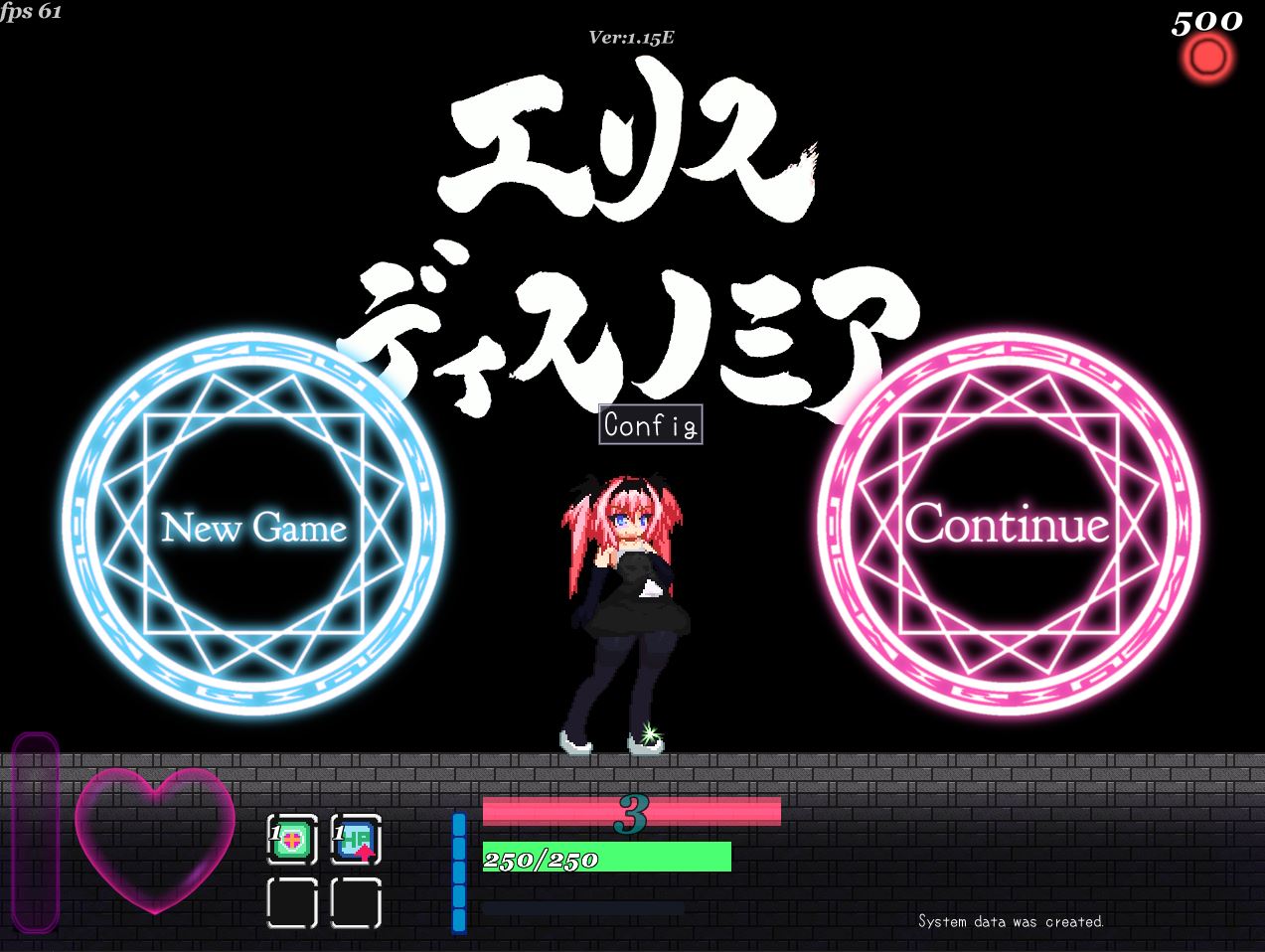
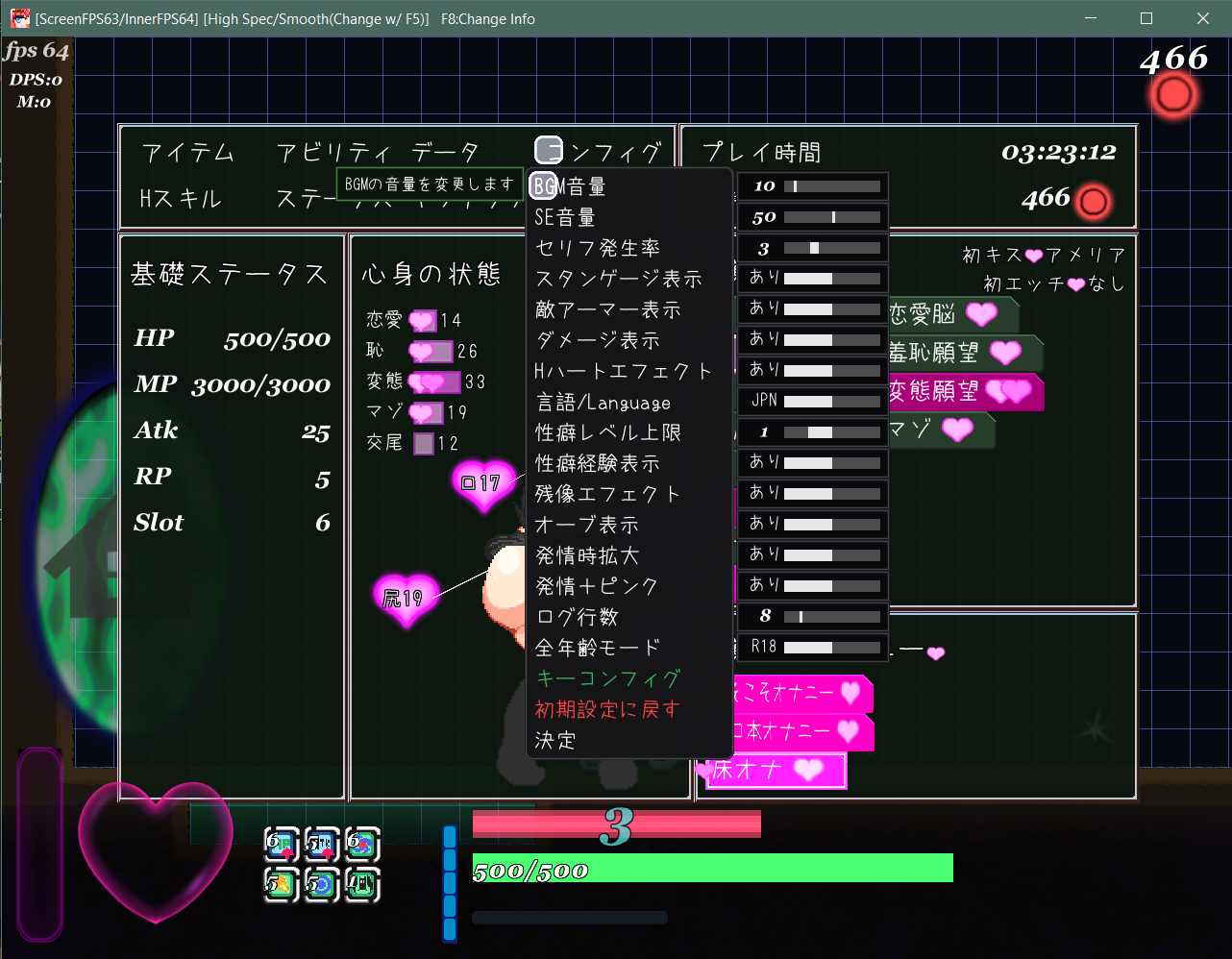
At the start, press Attack in the middle to enter the Config menu. Find "Language" and switch that. In-game, use the top-right menu (Config).

Old Version Uncensored Patch: FILEKNOT - ANONZIP
Old Version Uncensored Patch Installation:
Drag Hanime folder and PicEX folder to your game Data folder
Delete Hanime.wolf and PicEX.wolf or Backup it to somewhere
How to change the language from Japanese to English:
At the start, press Attack in the middle to enter the Config menu. Find "Language" and switch that. In-game, use the top-right menu (Config).
Minimum
OS: Windows 7+
CPU: Any 1.5 GHz
RAM: 1 GB
GPU: DirectX 9.0c compatible
Storage: 65.1 MB
Recommended
OS: Windows 10+
CPU: Dual Core 2.0 GHz
RAM: 2 GB
GPU: Any DirectX 9 GPU
Storage: 65.1 MB
i downloaded the game, but it’s in japaness. how to fix it into english language?
Please take a look at the Walkthrough & Guide section.
Is their a way to change the language to English?
theres an official translation, you can get to it in the settings
The game does not load and shows a reading error due to missing files