
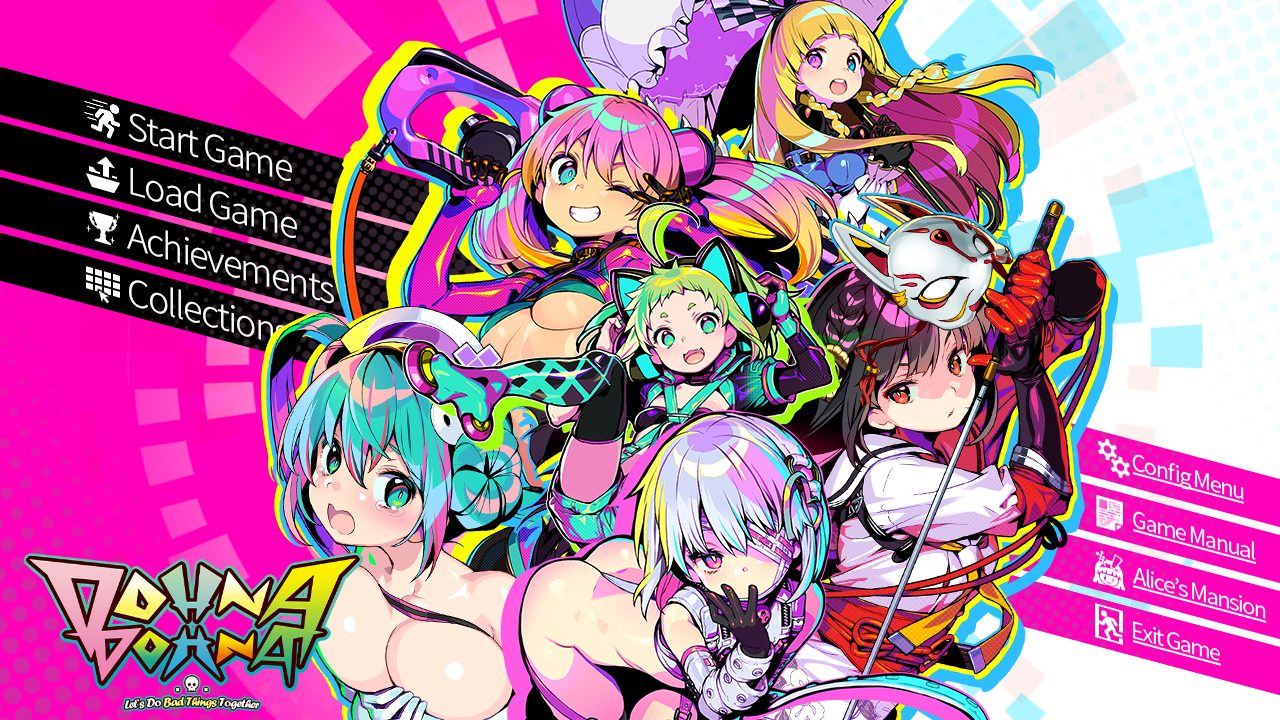
Dohna Dohna: Let’s Do Bad Things Together
About Dohna Dohna: Let’s Do Bad Things Together
Young punks in a rotten city
A corporate castle town whose citizens’ entire lives are run by the company, from birth through to death.
In this town, gangs of “bad kids” lash out against their corporate-ordained lives,
shooting up officials and hustling girls in the streets.
Crashing recklessly through the barriers of both ethics and rules, though,
they see things that they’re not supposed to.
What’s really the worst thing happening in this city?
Turn your ill-gotten profits into combat power in this pimpin’ RPG!
Downloads
Confused about how the downloading works? Here is a handy guide
- RUN EXE IN JAPANESE LOCALE (ADMIN) RUN EXE IN JAPANESE LOCALE (ADMIN)
- DON’T RUN THE GAME WHILE YOU’RE STILL SEEDING THOSE FILES.
- If you’re having trouble with Japanese locale stuff try using LEProc.
- If you’re having save game problems uncheck read-only on the config and save folders if for some reason it’s still a problem.
Walkthrough & Guide
Dohna Dohna Patch 1.02: Typo and Translation Fixes
This patch fixes a number of minor text errors and inconsistencies and adds missing translations for the Scene Variant Select menu, which allows players to choose between different versions of certain scenes that can be unlocked over repeated playthroughs.
It raises the game’s version number to 1.02 to facilitate troubleshooting, and also contains all the fixes from previous patches. See below for details of the contents of those. dohna-dohna In order to reduce errors that could arise due to applying patches in an incorrect order, we are also ceasing direct distribution of previous patches on this server.
To apply the patch:
Precautions: Back up your dohnadohna.ain, dohnadohnaEx.ex, and dohnadohnaPact.afa files and the Bonus folder within the game directory.
1. Download this ZIP archive.
2. Overwrite the dohnadohna.ain, dohnadohnaEx.ex, and dohnadohnaPact.afa files and the Bonus folder in the game directory with the files contained in this download.
3. Overwrite the Version.txt file in the game directory with the file contained in this download.
4. Enjoy!
Minimum
OS: Windows 7+
CPU: Dual Core 2.0 GHz
RAM: 4 GB
GPU: Integrated Graphics
Storage: 3.20 GB
Recommended
OS: Windows 10+
CPU: Quad Core 2.5 GHz
RAM: 8 GB
GPU: Any dedicated GPU
Storage: 3.20 GB
I got rid of the error messages and I can confirm that it runs on Linux without issues.
To get rid of the error messages that tell you that saving failed “セープファイ【somehing.asd] の保存に失敗しました” just delete everything inside the folder called “SaveData” and restart the game.
To run it on Linux I use the app “Bottles” which is basically just “Wine” with a easy to use GUI.
So..
1) Create a new bottle for Windows 10
2) If you want to use the uncensor patch, then replace the file called “dohnadohnaCG.afa” with the one from the uncensor patch.
3) Throw the game into the bottle – I’d recommend to throw it into “drive_c/Program Files (x86)”
4) Create a shortcut for the game in bottles by selecting the file “dohnadohna_eng.exe” as the file to be opened
5) Go to “Settings” and change the Language to Japanese
6) Go to “Dependencies” and install “cjkfonts” (this can’t hurt but might not even be necessary).
7) As described above delete everything inside the folder “SaveData”
8) Enjoy
BRO COOKED
It’s Not Animated
Pal,
you are a lifesaver!
I didnt do all the things you did with bottle but im also using windows. However i did use that one tip where you should delete everything in SaveData. That fixed everything! Thank you so much! :3
HM.. all the time the game gives out a Message: Failed to save, with some kind of Dataname. But i startet it with Location emulator im Adminmode…